
Mods / Just Longswords
Tags:
#Weapons
Author: Finnerex
Side: Both
Created: Aug 29th at 2:58 PM
Last modified: Aug 30th at 12:22 AM
Downloads: 926
Follow Unfollow 27
Author: Finnerex
Side: Both
Created: Aug 29th at 2:58 PM
Last modified: Aug 30th at 12:22 AM
Downloads: 926
Follow Unfollow 27
Latest release (for Vintage Story 1.21.0, potentially outdated):
justlongswords_1.0.1.zip
1-click install
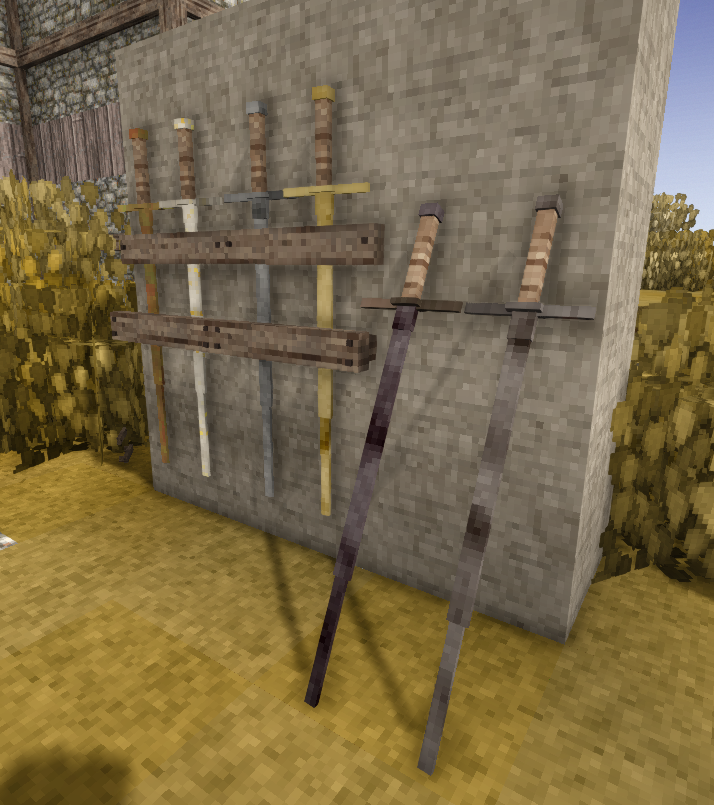
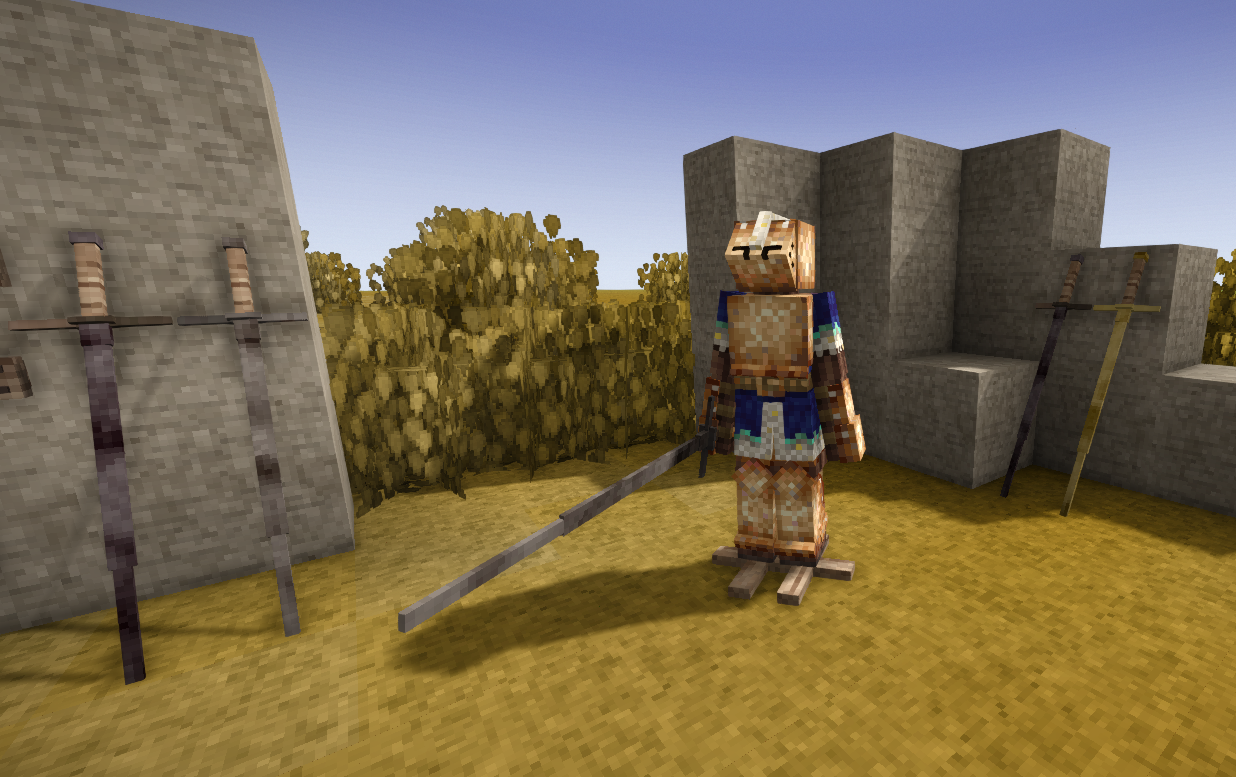
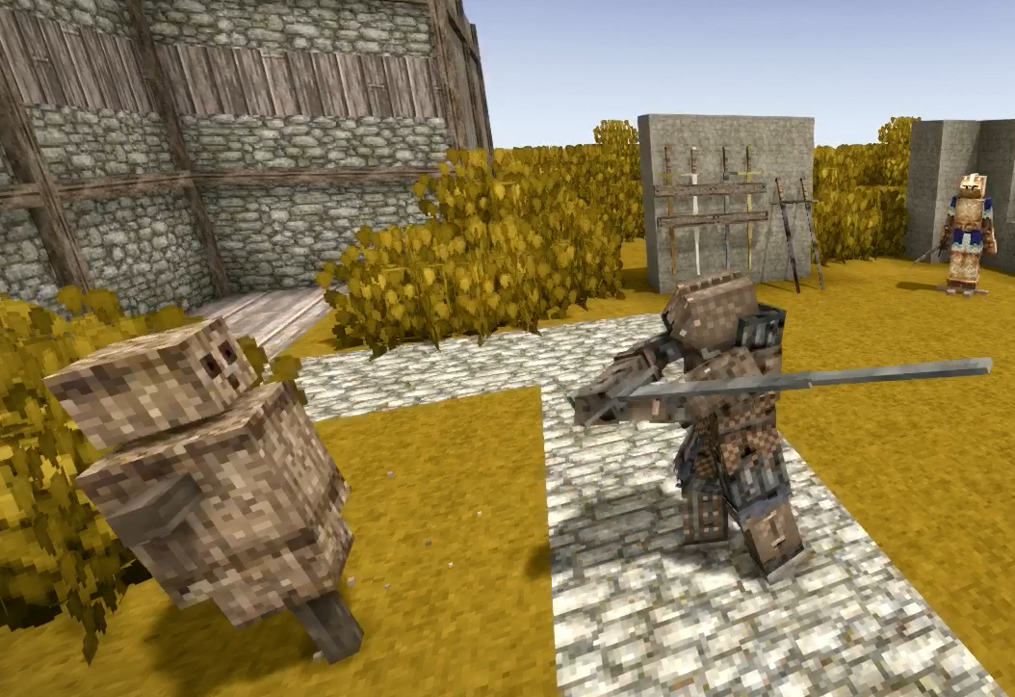
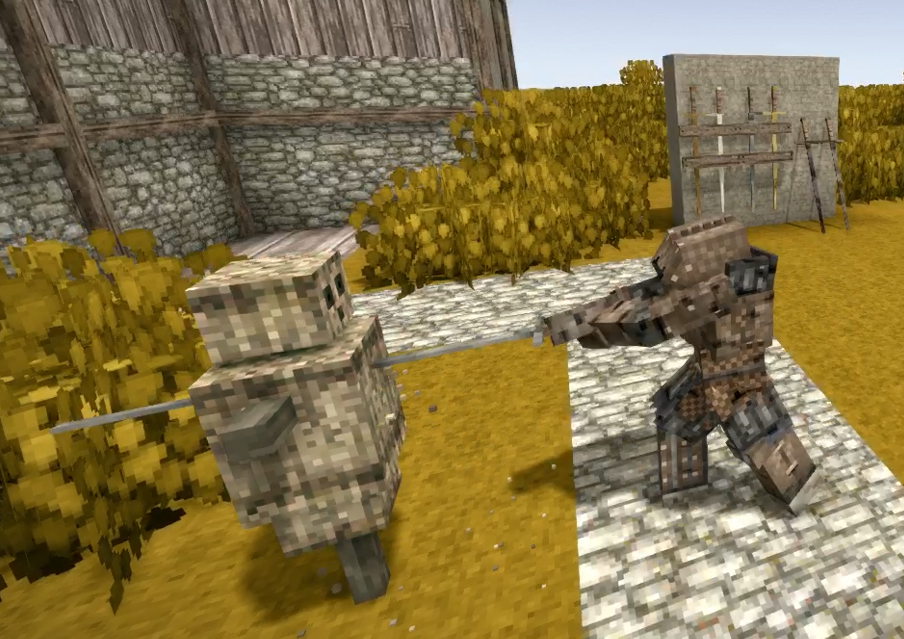
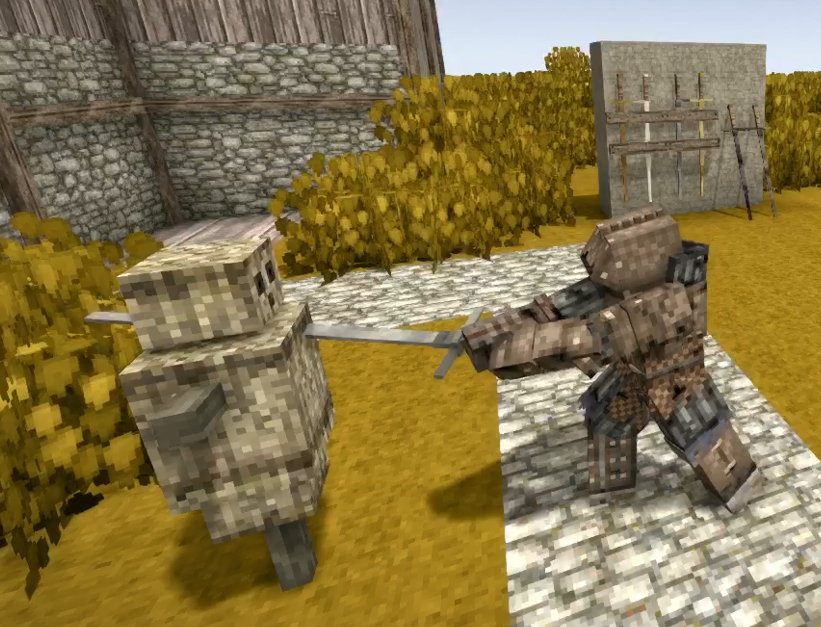
I made this mod because I liked parts of CombatOverhaul, but thought it was a little too in-depth or complicated. This mod simplifies things and adds some basic longswords with combo attacks.
Available longsword types are: all bronzes, iron, meteoric iron, and steel.
They can be crafted using two longsword half-blades and a stick. The half-blades can be smithed from one ingot each.
Inspired in part by GildedSteel
| Mod Version | Mod Identifier | For Game version | Downloads | Released | Changelog | Download | 1-click mod install* |
|---|---|---|---|---|---|---|---|
| 1.0.1 | justlongswords | 830 | Aug 29th at 4:03 PM | justlongswords_1.0.1.zip | 1-click install | ||
|
For Vintage Story version 1.21.0 | |||||||
| 1.0.0 | justlongswords | 92 | Aug 29th at 3:01 PM | Empty | justlongswords1.0.0.zip | 1-click install | |
Amazing mod, I love it.
1) Does not seem to be able to be placed on the sword pedastal of Purposeful Storage
2) The attack animation extends a little too far, showing the backs of your arms
thanks for making it
Wolfin_x3 thanks for the crash report. Could you submit this as an issue on github? When you do, let me know if there are any other mods you were using when this happend. Also any other information that might be relevant because I am currently unable to reproduce this.
game crashes whenever putting the sword on an armor stand
Running on 64 bit Windows 10.0.26100.0 with 32451 MB RAM
Game Version: v1.21.0 (Stable)
9/7/2025 12:39:25 PM: Critical error occurred
Involved Harmony IDs: IgnoreThisPatchItHasNothingToDoWithYourCrash
System.NullReferenceException: Object reference not set to an instance of an object.
at Vintagestory.API.Common.Entities.Entity.OnTesselation(Shape& entityShape, String shapePathForLogging) in VintagestoryApi\Common\Entity\Entity.cs:line 1235
at Vintagestory.GameContent.EntityShapeRenderer.TesselateShape() in VSEssentials\EntityRenderer\EntityShapeRenderer.cs:line 195
at Vintagestory.GameContent.EntityShapeRenderer.BeforeRender_Patch1(EntityShapeRenderer this, Single dt)
at Vintagestory.Client.NoObf.SystemRenderEntities.OnBeforeRender(Single dt) in VintagestoryLib\Client\Systems\Render\RenderEntities.cs:line 70
at Vintagestory.Client.NoObf.ClientMain.MainRenderLoop(Single dt) in VintagestoryLib\Client\ClientMain.cs:line 872
at Vintagestory.Client.GuiScreenRunningGame.RenderToPrimary(Single dt) in VintagestoryLib\Client\MainMenu\Screens\GuiScreenRunningGame.cs:line 172
at Vintagestory.Client.ScreenManager.Render(Single dt) in VintagestoryLib\Client\ScreenManager.cs:line 719
at Vintagestory.Client.ScreenManager.OnNewFrame(Single dt) in VintagestoryLib\Client\ScreenManager.cs:line 663
at Vintagestory.Client.NoObf.ClientPlatformWindows.window_RenderFrame(FrameEventArgs e) in VintagestoryLib\Client\ClientPlatform\GameWindow.cs:line 113
at OpenTK.Windowing.Desktop.GameWindow.Run()
at Vintagestory.Client.ClientProgram.Start(ClientProgramArgs args, String[] rawArgs) in VintagestoryLib\Client\ClientProgram.cs:line 338
at Vintagestory.Client.ClientProgram.<>c__DisplayClass10_0.<.ctor>b__1() in VintagestoryLib\Client\ClientProgram.cs:line 133
at Vintagestory.ClientNative.CrashReporter.Start(ThreadStart start) in VintagestoryLib\Client\ClientPlatform\ClientNative\CrashReporter.cs:line 95
Event Log entries for Vintagestory.exe, the latest 1
==================================
{ TimeGenerated = 8/28/2025 2:20:53 PM, Site = , Source = Application Error, Message = Faulting application name: Vintagestory.exe, version: 1.21.0.0, time stamp: 0x68760000
Faulting module name: ntdll.dll, version: 10.0.26100.4768, time stamp: 0x95c61958
Exception code: 0xc0000005
Fault offset: 0x0000000000095434
Faulting process id: 0x7078
Faulting application start time: 0x1dc1850484d6439
Faulting application path: C:\Vintagestory\Vintagestory.exe
Faulting module path: C:\WINDOWS\SYSTEM32\ntdll.dll
Report Id: cf6c7846-1175-4321-9e0e-3e9f5fe13c0c
Faulting package full name:
Faulting package-relative application ID: }
hell yeah, thanks a lot you're a king
Lucifervex just changed v1.0.0 of this mod to be for vs version 1.20.12.
no 1.20.12 version ?
Thank you for making this! Gonna chop some drifters up quick now.