
Mods / Desk Picture Frames Plus
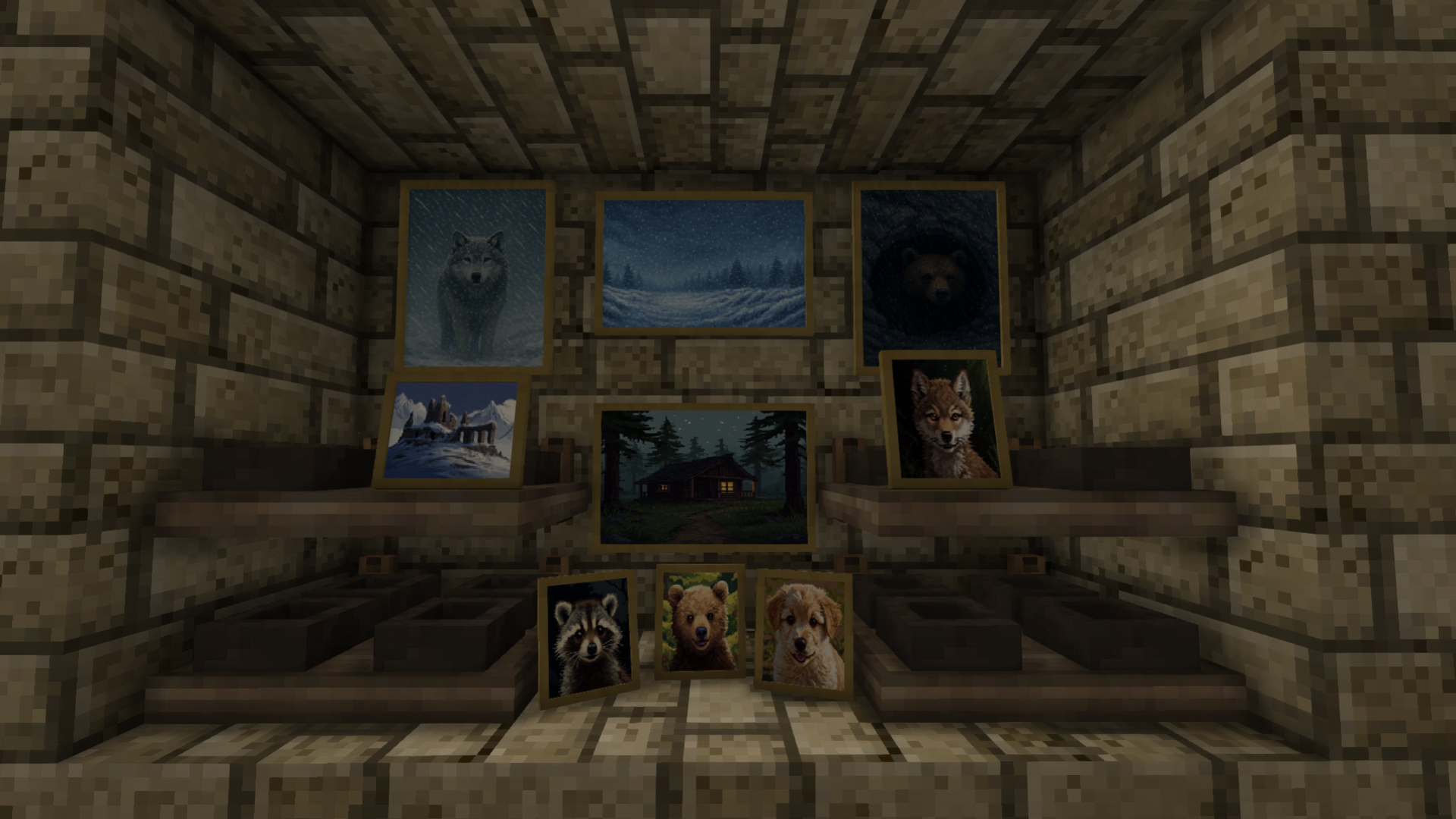



Author: Calminaion
Side: Both
Created: Sep 20th at 12:06 PM
Last modified: 17 hours ago
Downloads: 390
Follow Unfollow 47
Recommended download (for Vintage Story 1.21.5):
DPF_0.0.7.zip
1-click install
Update 0.0.7 adds Windows with Pic Frames and added pic frames to the furniture trader and the rest can be crafted
Example Recipes :
Oak Pane + 2x Portrait Desk Picture Frame (1/5) will produce an Oak Window with 2 Portrait Picture Frames (1/5),
Birch Pane + 2x Portrait Desk Picture Frame (1/5) will produce an Birch Window with 2 Portrait Picture Frames (1/5)
Each woodtype will use the same images. The only way to get different images will be to craft all 5 Window with Portrait and all 5 Window with Landscape using the same wood as the base
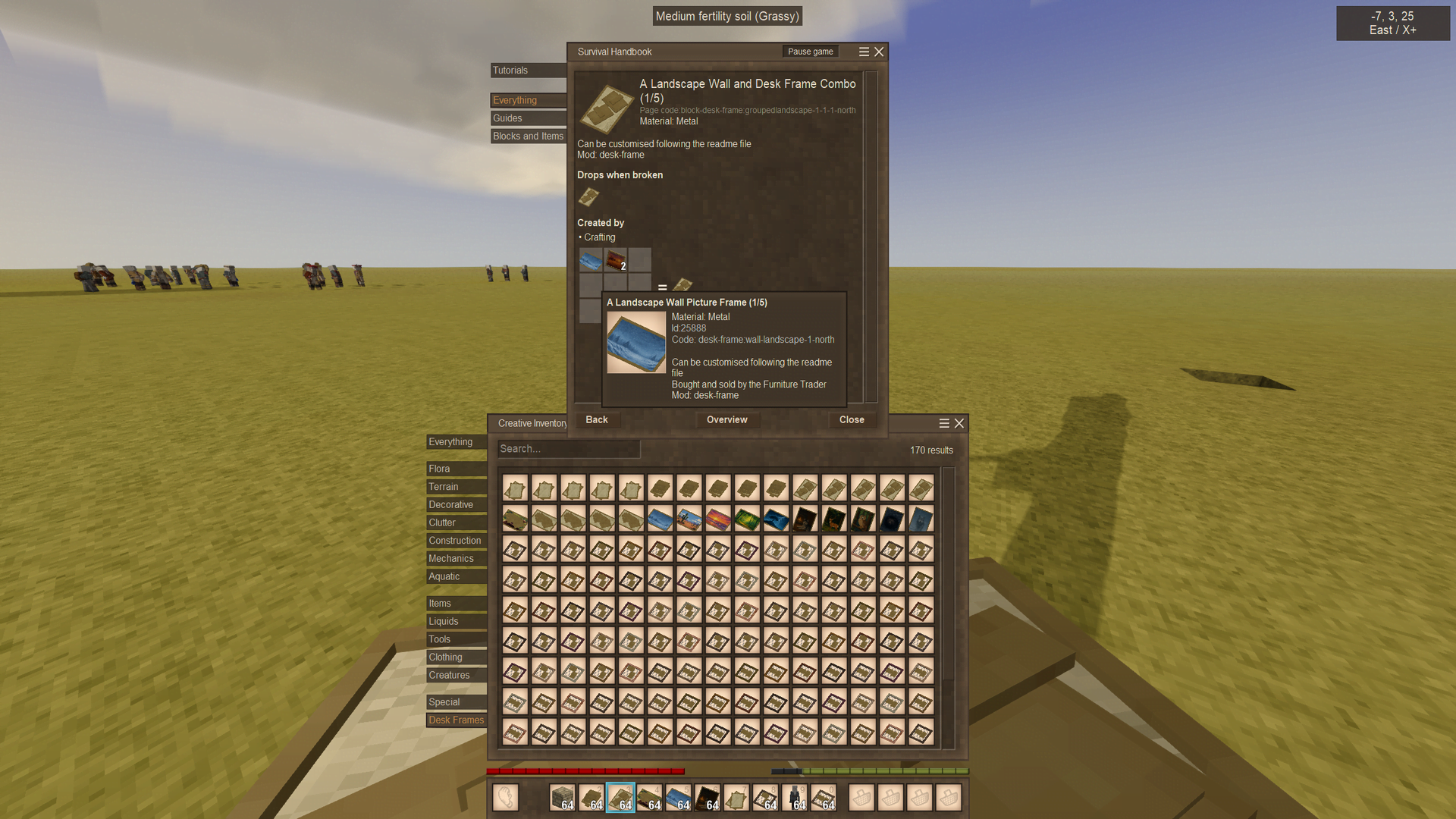
1x Landscape Wall Picture Frame (1/5) + 3x Portrait Desk Picture Frame (1/5) will produce A Landscape Wall and Portrait Desk Frame Combo (1/5)
2 Landscape Desk Picture Frames (1/5) + 2x Landscape Wall Picture Frame (1/5) - A Landscape Wall and Desk Frame Combo (1/5)
If the picture frame has an image already on it will not carry over when used as a crafting ingredient, you will have to add the image or your own to the new crafted versions Image folder. (instructions below)
The windows seal the room and still allow light in, they will also have the rain on window sound effect and match the vanilla window panes so can be integrated at the bottom of large/tall windows.
This adds:
Desk Landscape - 2 picture frames that can go on blocks
Desk Portrait - 3 picture frames that can go on blocks
Grouped Landscape - 2 landscape picture frames and 1 landscape wall picture frame that can go on blocks (the wall frame will float but when used with a block behind looks like it goes on the wall)
Grouped Portrait - 3 portrait picture frames and 1 landscape wall picture frame that can go on blocks (the wall frame will float but when used with a block behind looks like it goes on the wall)
Wall Landscape - A single picture frame
Wall Portrait - A single picture frame
Desk Landscape Item - 1 pic frame itemtype that works on shelves and ground storage)
Desk Portrait Item - 1 pic frame itemtype that works on shelves and ground storage (only looks good on top shelf with nothing above as there is clipping)
Window Landscape - 2 Pic frames that will match the vanilla panes
Window Portrait - 2 Pic frames that will match the vanilla panes
This mod is using AI images on some of the frames, this is mainly to show what resolution the frames can use and the quality of said size
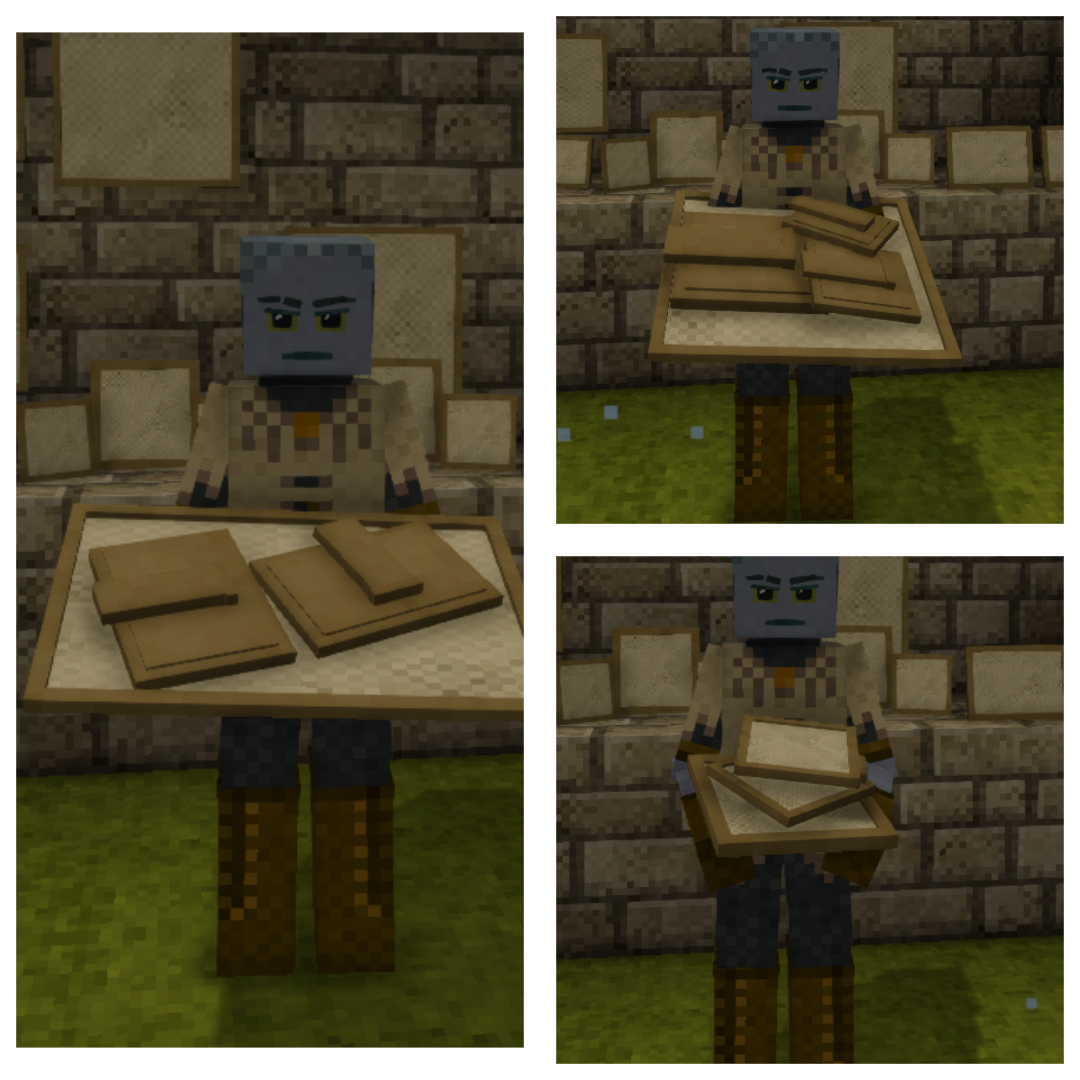
Wall Landscape/Portrait and Desk Landscape/Portrait Item Sold by the Furniture Trader
Will work for single player, in multiplayer it is assumed that images will be the same for everyone (do not play multiplayer so don't know how it works)
1 : Extract File (Example of how to change images)
2,a : Wall-Landscape - Copy image to assets/desk-frame/textures/desk-landscape-images and replace one of the numbered .png (leave base as is)
2,b : Desk-Landscape - Copy image to assets/desk-frame/textures/desk-landscape-images/image1 and image2 and replace one of the numbered .png (leave base as is)
2,c : Grouped-Landscape- Copy image to assets/desk-frame/textures/grouped-landscape-images/image1, image2 and Image 3 and replace one of the numbered .png (leave base as is)
2,d : Grouped-Portrait- Copy image to assets/desk-frame/textures/grouped-portrait-images/image1, image2 and Image 3 and image 4 and replace one of the numbered .png (leave base as is)
3 : Zip File (assets + modinfo + readme + modicon) and name zip to the correct name and version of the mod : DPF_(version number)
For the Desk Landscape - replace the .png in folder image 1 and image 2 matching the correct .png : 1-1, 2-2, 3-3, 4-4, 5-5
For the Grouped Portrait - replace the .png in folder image 1, image 2 and image 3 matching the correct .png : 1-1-1-1, 2-2-2-2, 3-3-3-3, 4-4-4-4, 5-5-5-5
*Desk Landscape/Portrait Item - Must be size 128x64 or 64x128 - any higher and there will be glitches.
*Desk Landscape,Desk Portrait,Wall Landscape,Wall Portrait,Grouped Landscape,Grouped Portrait - Recommended Size 384x256 or 256x384 (Depending on orientation) - Could potentially go higher if you want but be aware that it may not render properly especially with many images and mods installed.
If your images are glitching in the frames it won't be the mod it would be the size of those images, reducing them to the recommended would likely fix that issue.
Shelf Obsessed - with this can add the Desk Picture Frames (Only) to book shelves, thanks once again to unHallowed for adding compat
| Mod Version | Mod Identifier | For Game version | Downloads | Released | Changelog | Download | 1-click mod install* |
|---|---|---|---|---|---|---|---|
| 0.0.7 | deskpictureframe | 15 | 17 hours ago | DPF_0.0.7.zip | 1-click install | ||
|
Added Windows with Picture Frames Landscape and Portrait, Wood Variants | |||||||
| 0.0.6 | deskpictureframe | 32 | 3 days ago | DPF_0.0.6.zip | 1-click install | ||
|
Name changes and removed the square frames and double frame: Desk Landscape - 2 picture frames that can go on blocks Desk Portrait - 3 picture frames that can go on blocks Grouped Landscape - 2 landscape picture frames and 1 landscape wall picture frame that can go on blocks (the wall frame will float but when used with a block behind looks like it goes on the wall) Grouped Portrait - 3 portrait picture frames and 1 landscape wall picture frame that can go on blocks (the wall frame will float but when used with a block behind looks like it goes on the wall) Wall Landscape - A single picture frame Wall Portrait - A single picture frame Desk Landscape Item - 1 pic frame itemtype that works on shelves and ground storage) Desk Portrait Item - 1 pic frame itemtype that works on shelves and ground storage (only looks good on top shelf with nothing above as there is clipping)
Warning : Will mess up any of the mods picture frames currently in use in your game as codes have changed. I have used AI images for some of the frames, you can easily change them yourselves following the instructions. Main reason is to show what resolution can be used with the frames | |||||||
| 0.0.5 | deskpictureframe | 44 | 5 days ago | DPF_0.0.5.zip | 1-click install | ||
|
Have added: | |||||||
| 0.0.4 | deskpictureframe | 191 | Sep 27th at 12:45 PM | DPF_0.0.4.zip | 1-click install | ||
|
Changed : 5 Desk Picture Frames (Single Item) 5 Wall Picture Frames Added : 5 Double Picture Wall Frames - 2 Frames in one 5 Desk Picture Frames in a Group (Block) - 3 Desk Frames in one
| |||||||
| 0.0.3 | deskpictureframe | 22 | Sep 24th at 7:19 PM | DPF_0.0.3.zip | 1-click install | ||
|
small change to file structure (will likely break old frames) | |||||||
| 0.0.2 | deskpictureframe | 36 | Sep 22nd at 9:08 PM | DPF_0.0.2.zip | 1-click install | ||
|
Added 10 Wall Picture Frames - Sold by Furniture Trader | |||||||
| 0.0.1 | deskpictureframe | 50 | Sep 20th at 12:15 PM | Desk-Picture-Frame_0.0.1.zip | 1-click install | ||
|
Initial Release | |||||||
snagawag Thanks, glad you like them and thanks for letting me know about the multiplayer
Blankspace Thanks, The desk frames Max Size is 64 x 64 as they are itemtypes, I'll update to recommended as it's not a set limit just when I was testing wouldn't render properly with higher res images.
On the others you should be fine to go higher I think as they're blocktypes, just be aware if you do see pics glitching out then it would be cos of higher res not the actual mod itself. Sure I will look at adding that sometime soon.
these are really great. Can confirm it doesn't work on mutiplayer by default (beyond the blank canvas textures). just gotta send your friends the edited version :)
DUCATISLO I only play singleplayer but I assume people would see their own images in frames even when looking at the same frame as the images would be client side. I would likely have to add C# code to make it so you can see each others images which I'm not sure I could do. Sorry I couldn't be of more help.
soo does it work multiplayer? or should i have to test it idk
DUCATISLO Thanks 😊
cool