
Mods / Vanilla 128x by gpp77
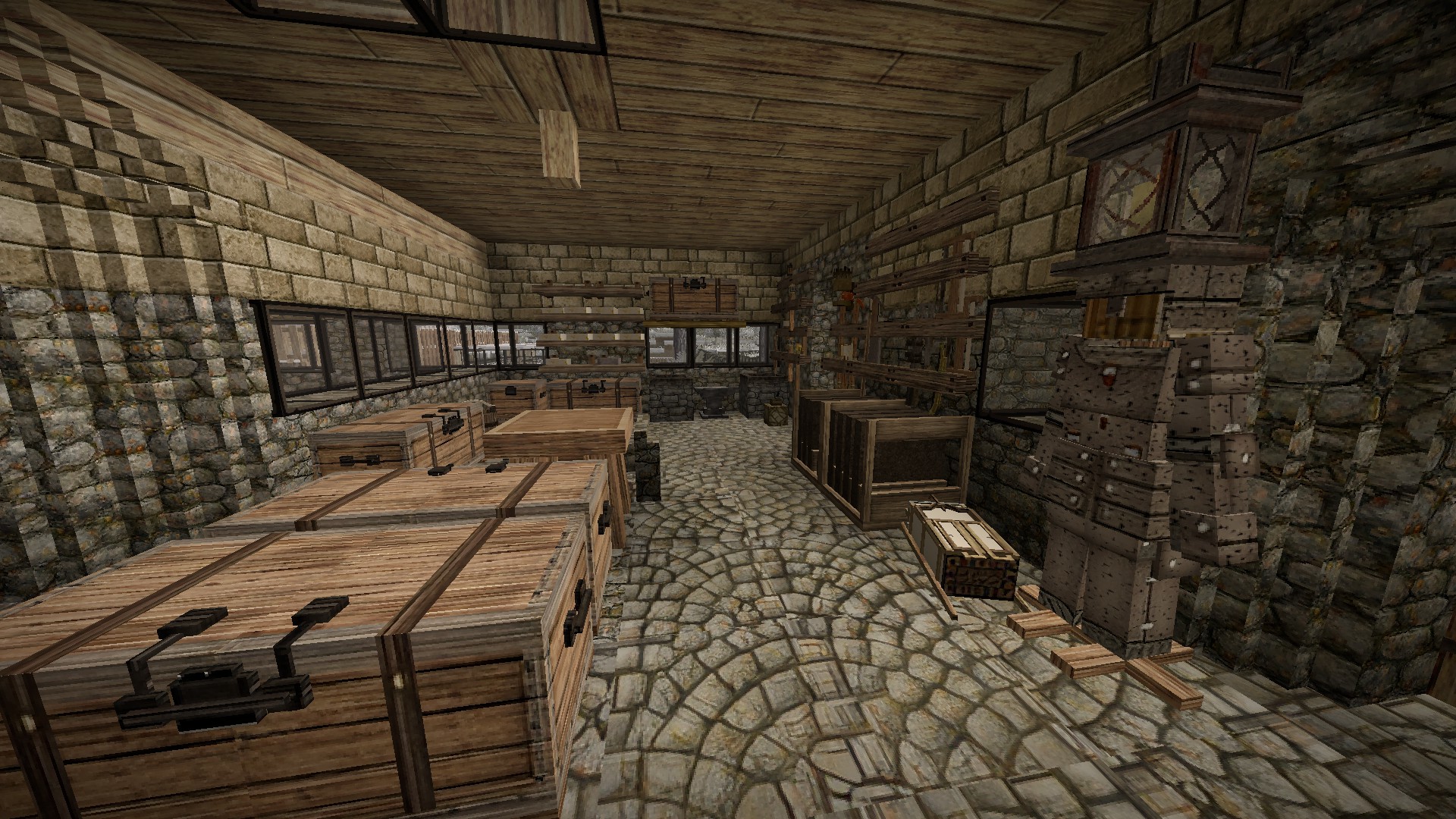
Author: Doctorlya
Side: Both
Created: Jun 9th at 10:17 AM
Last modified: Sep 26th at 12:53 PM
Downloads: 1247
Follow Unfollow 50
Latest release (for Vintage Story 1.21.1, potentially outdated):
Vanilla textures 128xby gpp77 1.2.4F.zip
1-click install
READ ALL THE DESCRIPTION PLEASE
Hello everyone,
Here's a texture pack that I had found on the forum but that had not been updated since 1.8.0. https://www.vintagestory.at/forums/topic/11462-vanilla-like-texture-pack-64x64-and-128x128-for-118x/#comment-49374
I have updated the texture pack to the current version 1.20.12.
Remember that by installing the 128x128 you need to change game files otherwhise it will not work.
t's in clientsettings.json in the vintage story data directory which is C:\Users\(username)\AppData\Roaming\VintagestoryData
For 128x128 I put :
"maxTextureAtlasWidth": 16384,
"maxTextureAtlasHeight": 16384,
Version 1.2.1 of the game with grass fix: https://drive.google.com/file/d/11grBZBk3ETV1aAg_eqTrGxBn8PCLSeOs/view?usp=sharing Place it in the mod folder of the game .
Also I am new with this retexture business and I've used about the same method as gpp77 to upres the textures.
There is a few bugs here and there that I have no idea how to fix.
Still work in progress
-Fire bricks has a weird transparent issue behind the first set of textures.
Fixed
-Fixed the clothing.
-Fixed mill texture.
-Fixed leather texture
-Texture should be fixed using other mods making the textures mix out somehow. Thank you BerSeeker for the help!
Remember I AM NOT the creator of this texture pack, I would have never created a whole texture pack because I don't know how to do one XD.
I just figured the logic behind it.
Anyway, I hope you like it and enjoy the higher textures, as said, don't hesitate to help me out.
| Mod Version | Mod Identifier | For Game version | Downloads | Released | Changelog | Download | 1-click mod install* |
|---|---|---|---|---|---|---|---|
| 1.2.4 | vanilla128 | 340 | Sep 26th at 12:53 PM | Vanilla textures 128xby gpp77 1.2.4F.zip | 1-click install | ||
|
Fixed textures use by other mods thanks for BerSeeker | |||||||
| 1.2.3 | vanilla128 | 272 | Aug 28th at 6:25 PM | Vanilla128v123d.zip | 1-click install | ||
|
-Fixed skin related issues. -Adapted the new doors to upresed textures https://drive.google.com/file/d/1Il70yfKBXh_qKtFbKLTTWcNzllWBThGb/view?usp=sharing | |||||||
| 1.2.2 | vanilla128 | 67 | Aug 27th at 8:20 AM | vanilla128v122.zip | 1-click install | ||
|
I've updated textures of all new textures for 1.21.0. Please tell me if I've forgotten something. https://drive.google.com/file/d/1t0JCOQEaSVECR0e4INFf1uyAKuHt5fQA/view?usp=sharing | |||||||
| 1.2.1 | Vanilla128 | 469 | Jun 10th at 7:05 PM | Vanilla128V121.zip | 1-click install | ||
|
Issue
Fixed
| |||||||
| 1.2.0 | Vanilla128 | 99 | Jun 9th at 10:21 AM | Empty | Vanilla128.zip | 1-click install | |
SpookyAsparagus Doctorlya
I found the problem,it is a game bug. the load order of the mods can break general mod configuration. vanilla loads before xandus (V before X) then even if xandus mod does not contain any texture, the game seems to 'reset/delete/overwrite' the vanilla config set and break the texture pack.
if you rename the vanilla file/folder by adding a Z at the begining, everything is working. vanilla is loaded after xandus.
probably a bug report to make...
and any mod named with a letter after V and defining "survival" version could break vanilla.
Unfortunately, only code mods have an option to set(force) the load order
https://wiki.vintagestory.at/Modding:Load_Order
Doctorlya
The Xskills mod also causes the grass texture bug as well. Tried messing around with the `"survival":` tags on both mods to no avail.
If I remove the offending directories "grasscoverage", "forest" in the mod, the game will default to using the original working textures for those buggy blocks. Hopefully you can track down and fix what's causing this behavior!
Hey SpookyAsparagus,
I'll check if I can do something about it!
Hey Jaggedcan9ne,
I had to do another link because the original file is about a half a gig. The modpage from Vintage Story only allows for such a big file only so I had to find a solution.
If you go look under the version of the games in the file section you can download for the correct version.
Hey BerSeeker,
Thank you for your help. I tried fixing the issue about a while ago when you messaged me and didn't send a mesage here.
Something must have gotten borked.
Clicked on the download link next to the preview pictures and it only downloaded a 54kb file, but I found the link for google drive and got it that way. Tried the older files in the "files" section but the webpage crashed.
Hi, I have the same bug on grassy blocks.
My configuration:
In my testing, removing only Xandus Inventory Tweaks fix the texture pack bug on grassy blocks. None of the other mods seems to reproduce the bug.
Sounda like a big job - On it 😀!
NukoSan, that does not help :).
at least a list of your mods or help us find why it does not work .
can you take a bit of time to disable all mods except vaniila 128x and then activate each mod one another and test ingame which one is breaking the texture pack ?
thanks
Hi Mate, no idea, seems to be linked to the grassy blocks only
NukoSan do you know what mod in your activated mods is braking the texture pack ?
Still broken textures at least of grassy stuffs
Hi BerSeeker thank you so much for your help.
I made a new update to fix these texture errors.
Hello !!
I found how to fix the textures problem.
in modinfo.json at 'dependencies', add 'survival'
"dependencies": {
"game": "1.21.0",
"survival": ""
},
some mods have this in their modinfo file, and each one of them having it break the texture pack. but once you add this 'survival' dependencie, all runs well.
probably a relic from the past :)
Drinumist Sorry for the late response.
The easiest way to install it is to open Vintage Story go to mods, click on show folder file.
There you can slide the file into it and you go back to Vintage story and you press on reload mods.
Hope it helps.
This may sound a bit insane but where do you place the pack?
New to Vintage Story and I use a steam deck for everything now! I am lost lol.
Sheldon_Lee I actually can't find them myself, you would need to ask gpp77 to get a proper response. I went snooping around and I know they are in there but I don't remember where.
Where are hidden armor damage textures? i could never find them on my own
ZaneAggomarr I more or less extensively tested it with other mods (with 1.20.X), the conflicts seem totally random (this bug appeared even with mods that didn't touch textures at all). I stopped cause I was gowing insane. Maybe with 1.21 ?
Hey ZaneAggomarr ,yes I know there is always a issue with some other mods touching to the same kind of textures or a certain file. In reality I don't know how to fix them.
This texture pack seems to have conflicts with some mods, and I'm not sure what the cause may be. For example, when used with Draconis or Wild Farming Revival, it breaks the textures on the blocks like so:
Doctorlya If you could explain to me how you fix this kind of things, I would be greatful (need to learn how to mod). I'm Myrm Maalkavian on the Discord. Thanks!