
Mods / World Exporter
Author: _Durus_
Side: Client
Created: Jun 8th at 2:59 AM
Last modified: Jun 8th at 3:02 AM
Downloads: 58
Follow Unfollow 22
Latest release (for Vintage Story 1.20.11, outdated):
WorldExporter-v0.1.0.zip
1-click install
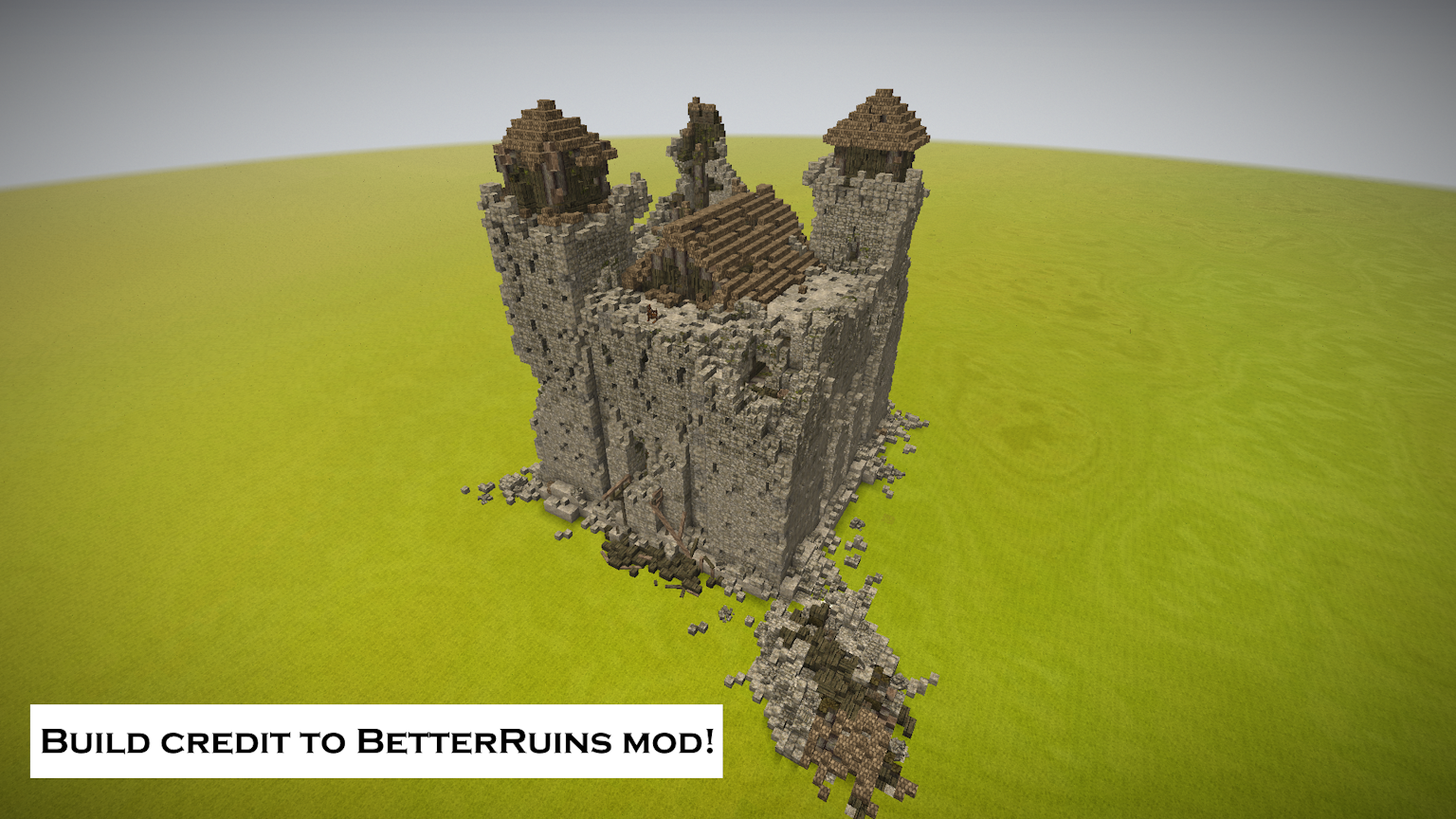
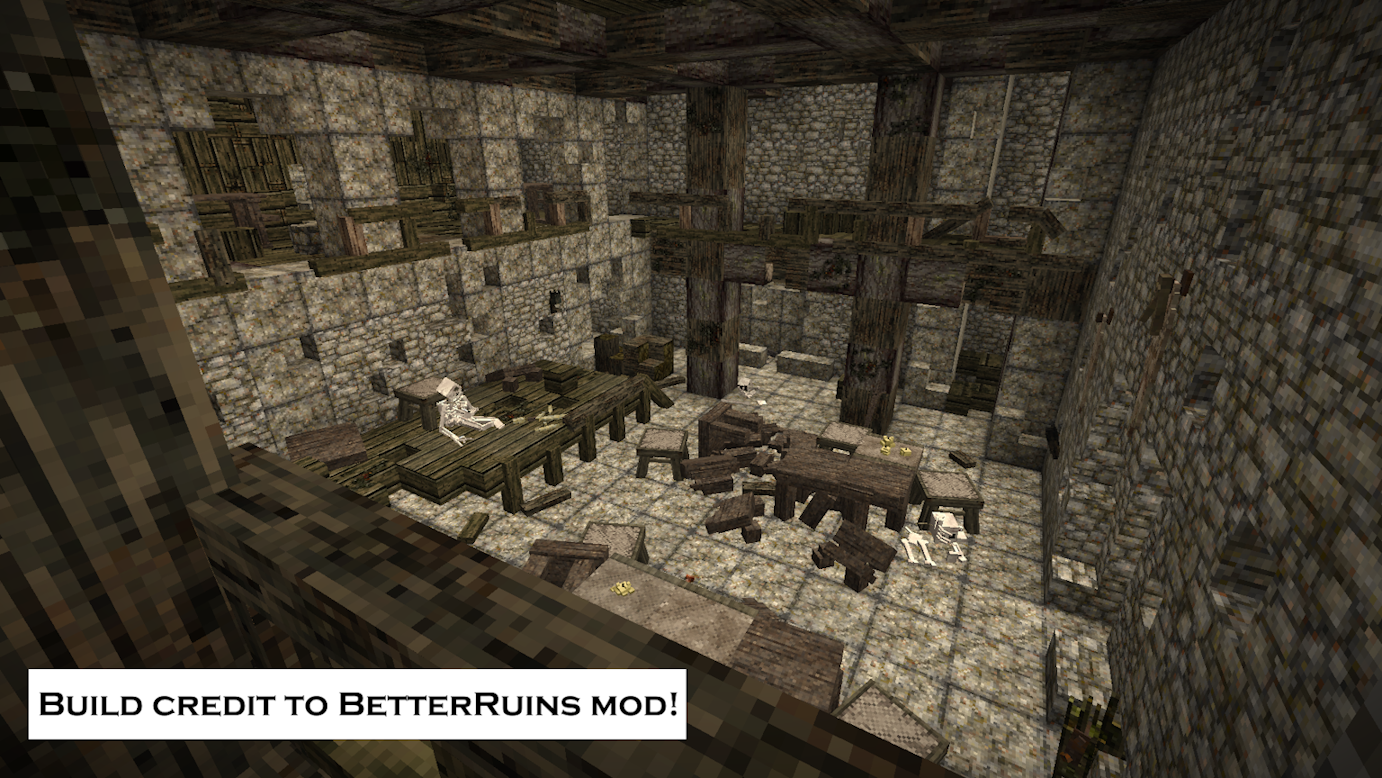
Do you want to 3D print your cozy cottage? Perhaps you want to make a Vintage Story animated short but need assets? Now you can!
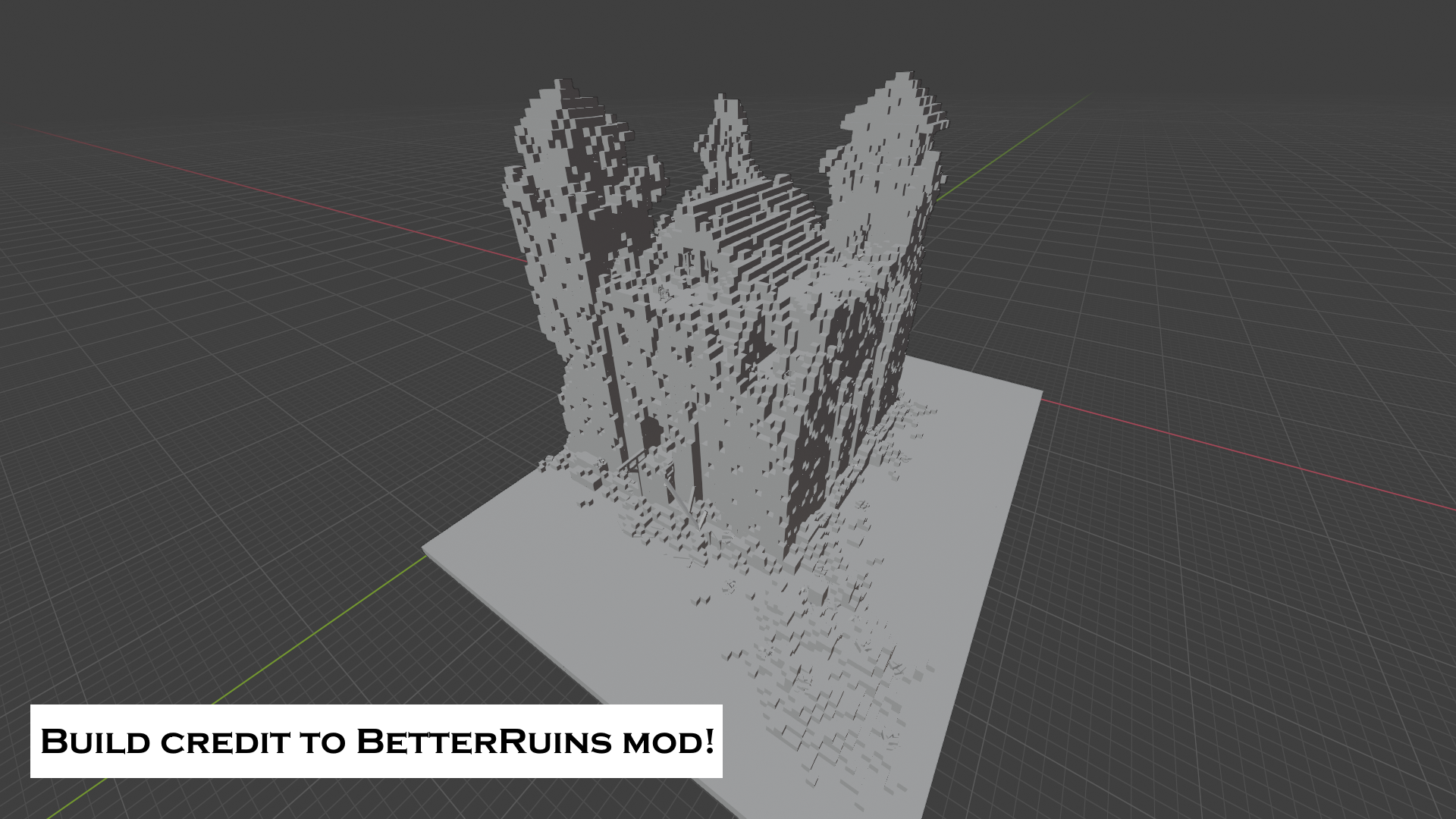
This is a client side mode that takes the ingame mesh and exports it as a 3D format to be used elsewhere. Currently only exports in STL format.
Features
- Two client commands to export a region of the world.
- Exports Block and BlockEntity meshes.
- Exports to the STL file format.
Current Limitations
These limitations make this utility pretty annoying to use, but I am working on fixing them!
- Doesn't ignore transparent parts of a mesh.
- The most obvious implication of this is grass/flowers are exported as one face thing X's. (At least I think this is why this is happening.)
- Does not export Entity meshes.
- Does not cull internal meshes.
- Does not merge vertices/edges between blocks.
- Does not export meshes being rendered with their own renderer. (Mechanical blocks, etc.)
Planned Features
Below is what my immediate future plans are for updates in order of priority. I am open to hear if priorities should be shifted around. :)
- Optionally ignoring meshes that are textured as transparent.
- Should fix grass/flowers rendering weird?
- Configuration
- Currently no configuration options.
- Optionally ignoring certain blocks.
- Optionally ignoring transparency on specified blocks.
- Optionally exporting Entities.
- Better export control
- Probably implementing a GUI, keybinds, or wand item to specify the region, options, and moment of export.
- Internal face culling.
- Vertice/edge merging
- Scalablity/modularity to other 3D file formats.
Usage
Exporting is done using the ".wexporter export" command. There are two modes for exporting a cube: "around" and "within".
- "Around" will export a cube of the given dimension around the given coordinate.
- For example: ".wexporter export cube around p 10 5 10" will export a 10x5x10 cube around the player's position.
- "Within" will export a cube using the given start and end coordinates as opposing corners of the cube.
- For example: ".wexporter export cube within p -52 156 24" will use the players position as one corner and "-52 156 24" as the other corner.
The export directory defaults to your "Documents" folder in a "world_exports" subdirectory. Every export is time stamped.
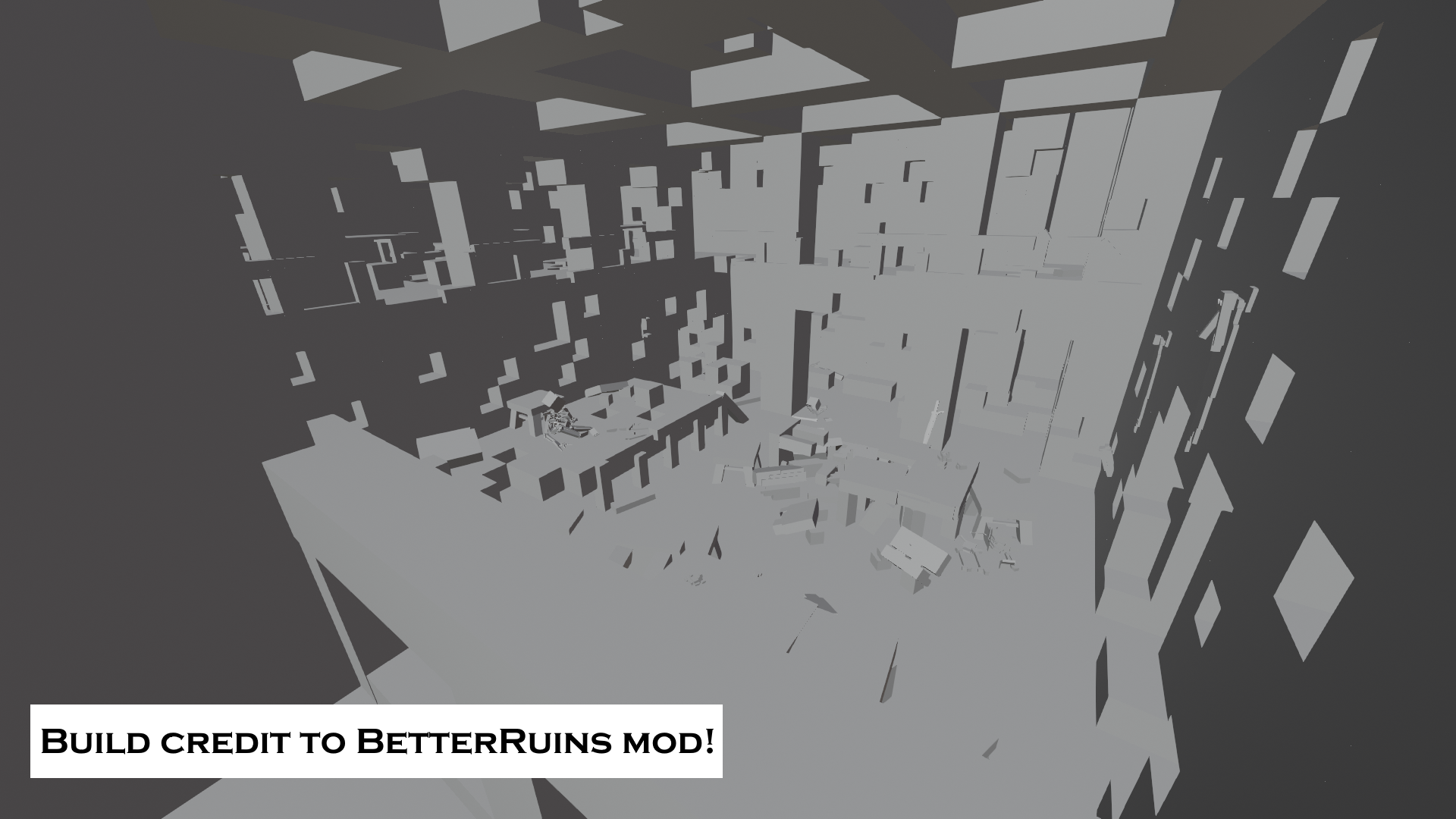
All meshes are exported. Meaning meshes that are internal to the model still exist. If you are 3D printing, this may cause your slicer to get angry. You'll probably have to use another tool like Blender to remove the internal meshes.
Furthermore, edges/vertices between blocks are not merged. If you remove internal faces, a slicer might complain that it's not "manifold", so you'll have to fix that too. These are all steps that will hopefully be implemented into this utility!
| Mod Version | Mod Identifier | For Game version | Downloads | Released | Changelog | Download | 1-click mod install* |
|---|---|---|---|---|---|---|---|
| 0.1.0 | worldexporter | 58 | Jun 8th at 3:02 AM | WorldExporter-v0.1.0.zip | 1-click install | ||
|
Initial Release
| |||||||
Does this mod export the model textures as well?
DAMN how the hell did you managed to do that