
Mods / Radial Menu
Authors: DanaCraluminum, SaltyWater
Side: Client
Created: Apr 5th at 7:46 PM
Last modified: Aug 27th at 5:16 PM
Downloads: 889
Follow Unfollow 93
Latest release (for Vintage Story 1.21.0, potentially outdated):
RadialMenu-v1.0.3.zip
1-click install
I live in Ukraine and there is a war going on right now.
If you are enjoying my mods, you can support me on Patreon. Any help is appreciated!

![[Discord]](https://i.imgur.com/hbs3hRb.png)
Do you have billions of hotkeys, but your keyboard has only 60?!
Do you forget hotkey combinations all the time?
Then this mod is for you!
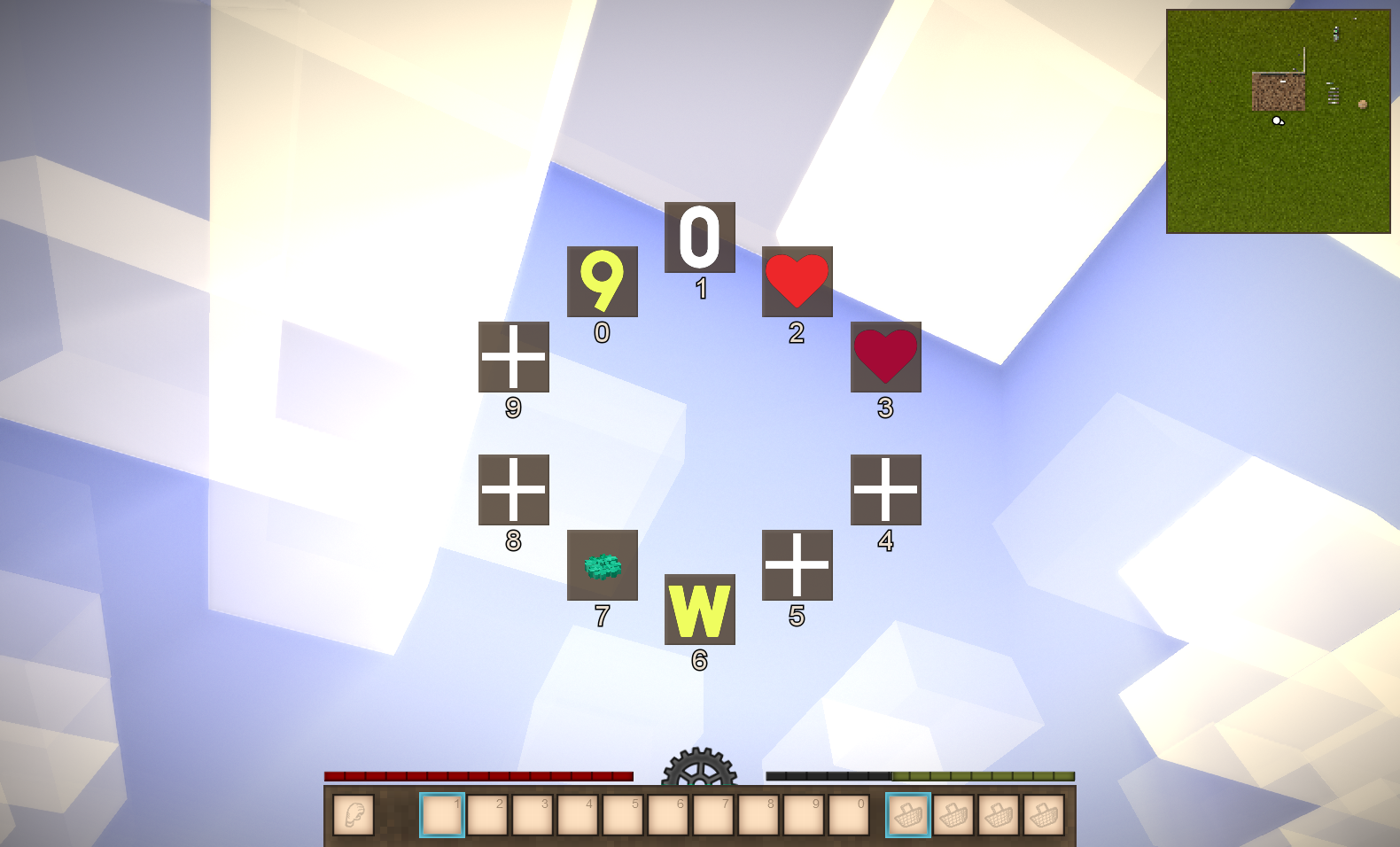
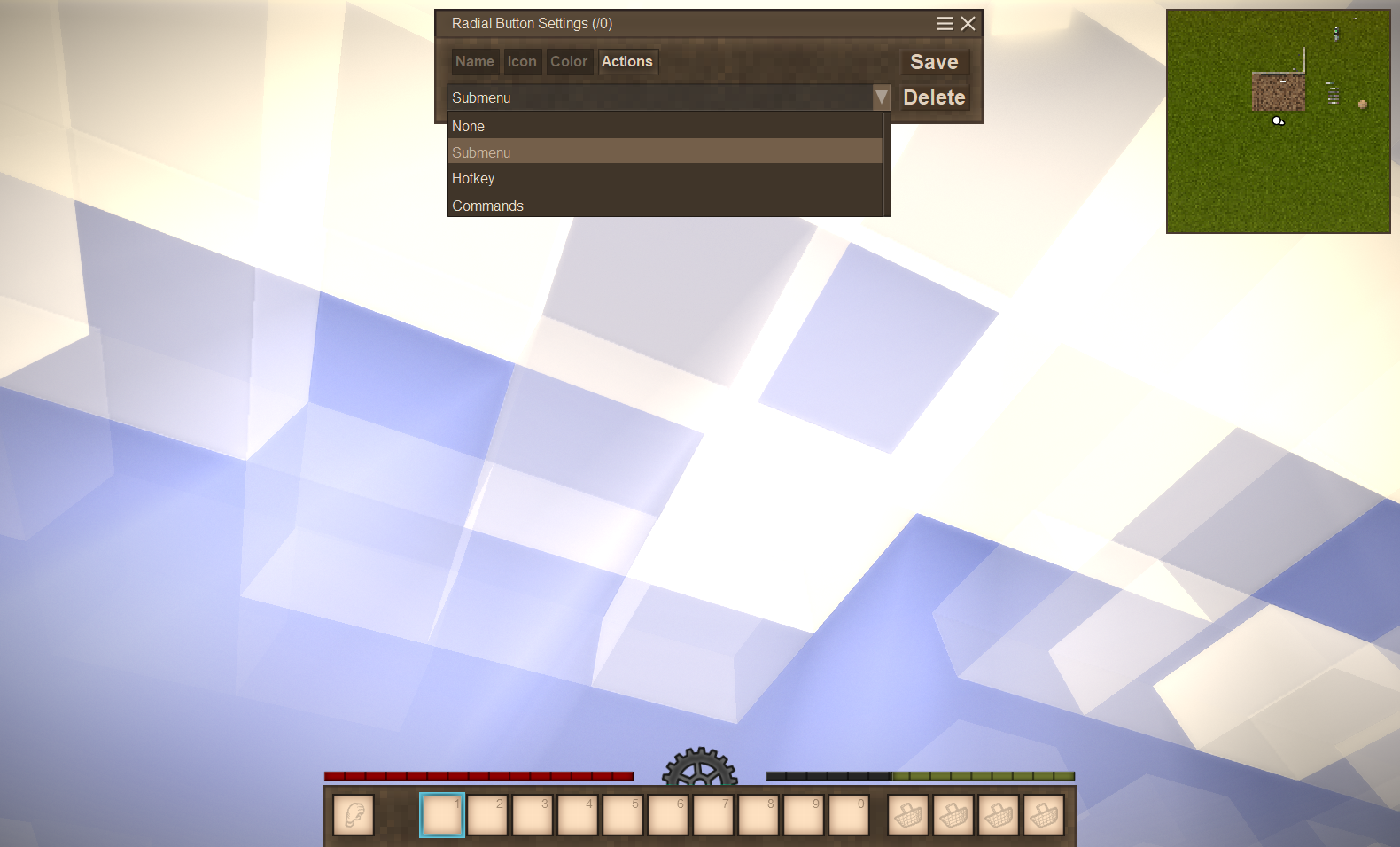
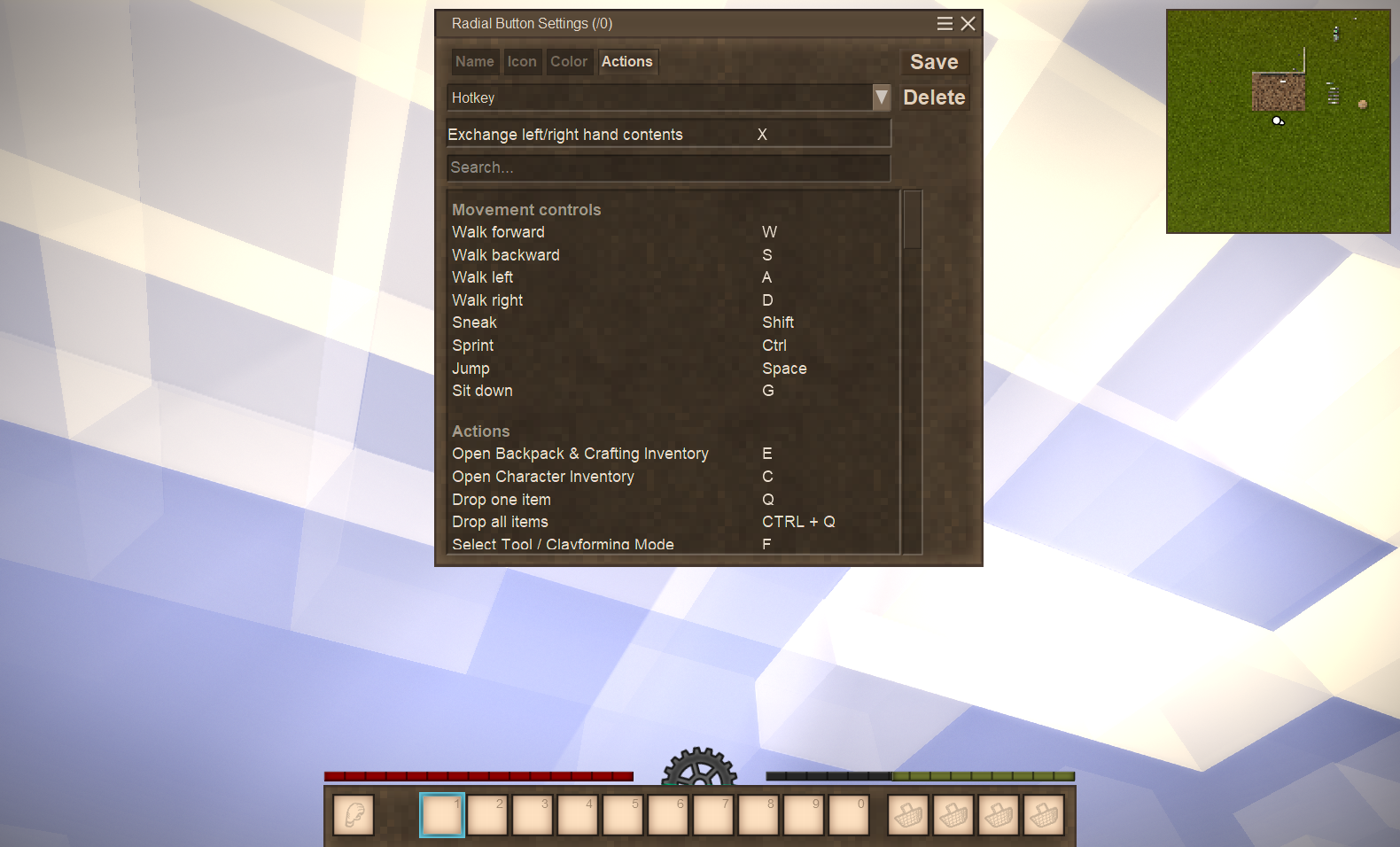
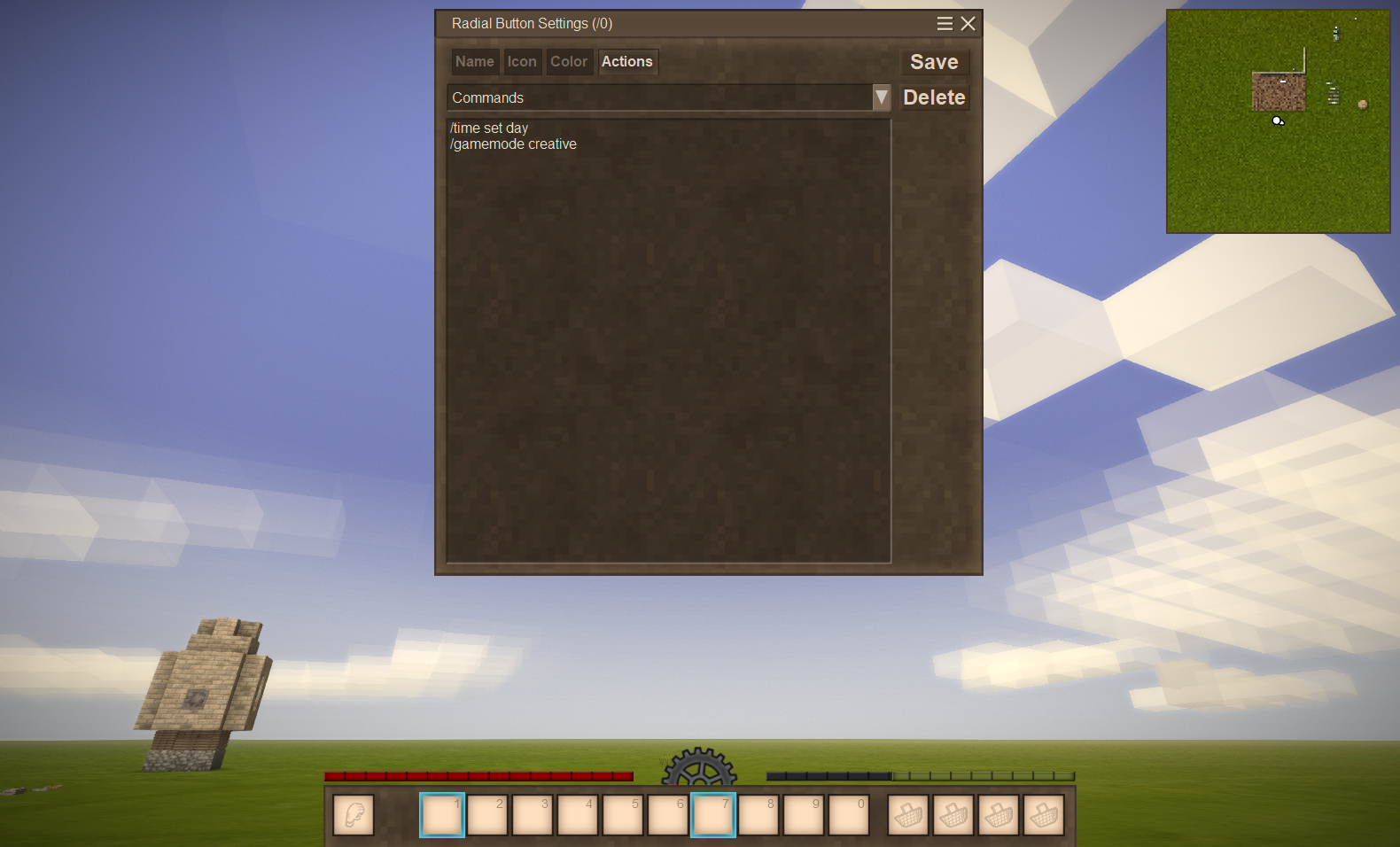
Radial menu with 10 options that support hotkeys, commands and submenus. You can even add submenus to submenus!
The menu is available while holding down the hotkey (default: R), but closes when the hotkey is released.
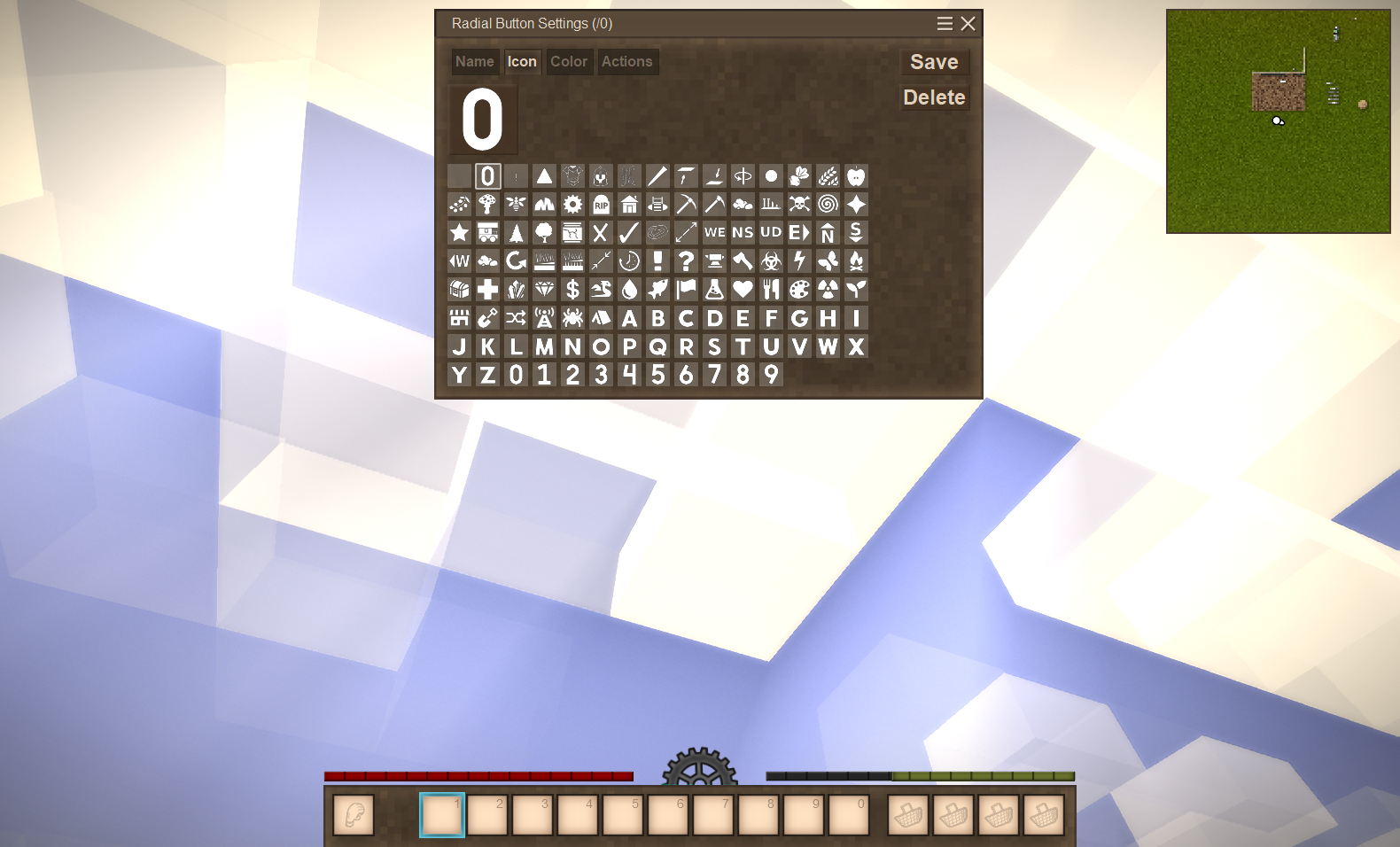
There are a bunch of icons from Not Enough Map Icons mod. Notify me if you need more icons.
Highly recommended to use together with Unbind Hot Keys mod.
Features
- Navigate through options with mouse or 0-9 keys
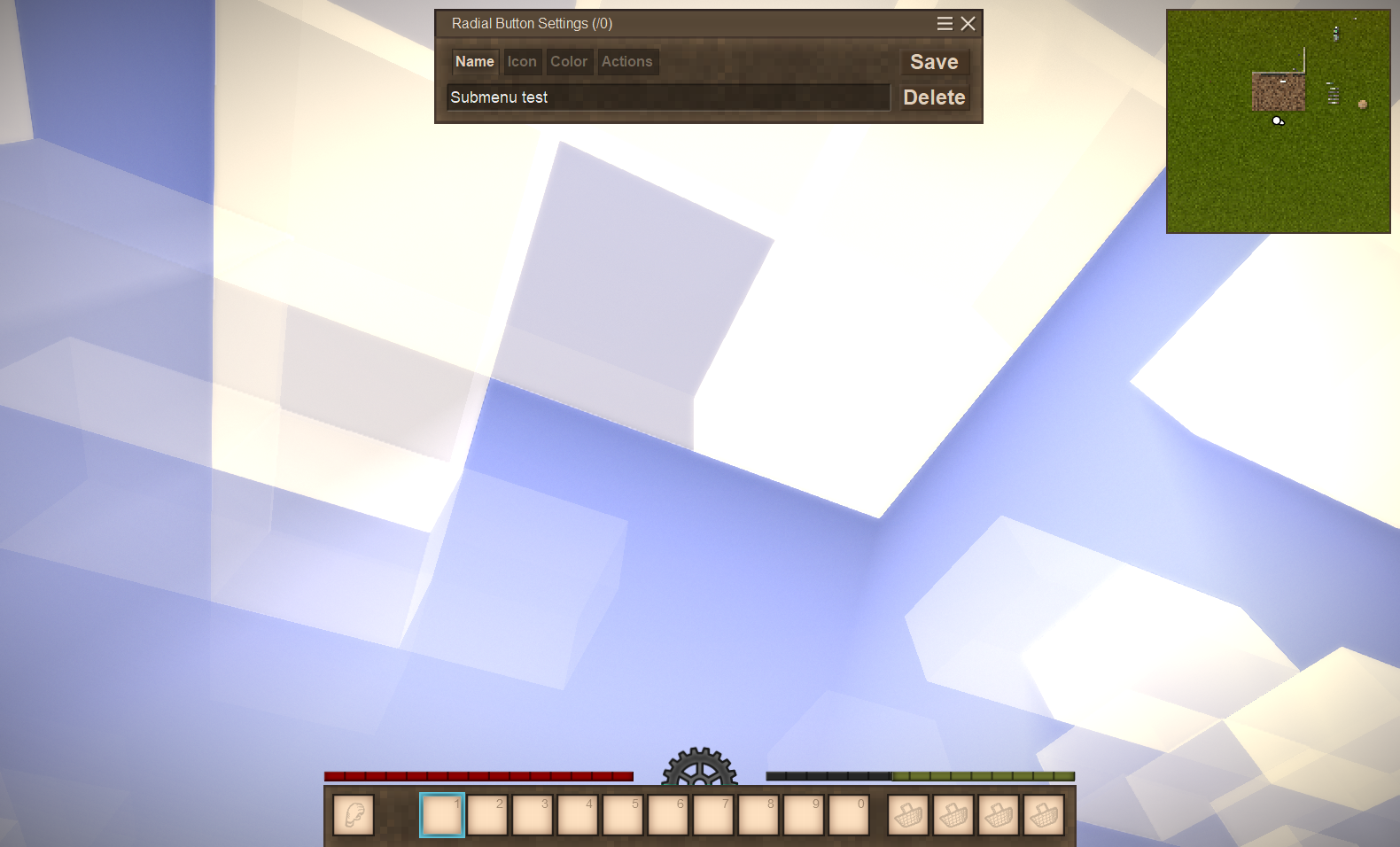
- Submenu
- Same as normal menu, but nested inside an option-\
- Hotkeys
- Only existing hotkeys are supported!
- Commands
- Icons are loaded from textures/icons (mods too, not just vanilla)
TODO
- Implement proper radial elements
- Write 5000 extra lines of code solely for radial elements (there is no other way, only hardcore)
- Animations
Yes, it is inspired by MineMenu minecraft mod
| Mod Version | Mod Identifier | For Game version | Downloads | Released | Changelog | Download | 1-click mod install* |
|---|---|---|---|---|---|---|---|
| 1.0.3 | radialmenu | 284 | Aug 27th at 5:16 PM | RadialMenu-v1.0.3.zip | 1-click install | ||
|
Fixed: Invisible icons | |||||||
| 1.0.2 | radialmenu | 44 | Aug 18th at 2:28 PM | RadialMenu-v1.0.2.zip | 1-click install | ||
|
Update to 1.21 | |||||||
| 1.0.1 | radialmenu | 337 | Jun 2nd at 9:32 AM | RadialMenu-v1.0.1.zip | 1-click install | ||
|
Fixed: Radial menu not working after reloading world | |||||||
| 1.0.0 | radialmenu | 224 | Apr 5th at 7:47 PM | Empty | RadialMenu-v1.0.0.zip | 1-click install | |
DanaCraluminum Thank you for the tip. The overall point was that i figure why (and sorta "fixed it", even with the original command) but it may be confusing for others trying to write bigger commands.
OldManYells
/giveitem pickaxehead-copper 1
/debug heldtemp 1100
DanaCraluminum not sure if im missusing it but it seems that big commands, specially with spaces may have issues. Was trying to make use of it to store command for easy access for testing stuff (instead of macros) and, for example,
/giveitem pickaxehead-copper 1 {"temperature": {"temperatureLastUpdate": 3971, "temperature": 1100}}
doesn't work despite being a valid command, seems like the text area limit wrapping up the text breaks the flow. Not sure how fixable this is. Changing the scale does increase the text box size allowing you to put that command into a single line and then it works
Thanks
So nice to have a radial menu instead of having to memorize all the hotkeys.
However I am having the same problem as a couple other people previously mentioned. If I hold down R and then hold shift then the radial menu blinks on and off rapidly and my cursor keeps getting reset into the middle. I am on linux so I think that may be why theres so few reports of it. It might have to do with how linux handles holding keys differently.
ptrk You can only assign one hotkey at the moment
Is there any way to add hotkeys? Like, if I wanted a consecutive string of keypresses, 0->X, to quickly swap offhand stuff, is it possible to set that up?
Helsinki Hold R first, then only hold Shift when menu appears
Same issue as @mendall. No other mods enabled. Version 1.20.11. Holding shift while pressing R results in the radial menu blinking and the mouse stuck in the middle. I can get out of this and make it work if I hit C to open the character menu during this. Then it works fine.
Dude.
Holy fuck.
I have been playing with this game on controller for the last 3 months and its amazing, but it just never had enough buttons. Now? Now i have d-pad down as the radial menu button and I have access to every single other command I could ever want at my fingertips. You're amazing man. This has completed the unofficial controller support for this game. Can't express enough how nice it is
ptrk Thank you
No way, I was actually working on making my own version of this! I was going to Frankenstein the emote menu mod, so probably better someone did it correctly. So excited to try this is out.
You should also look into utilizing this for tool mode. That was one of my main goals, since I play with controller, mostly.
This might be a great addition for people trying to use gamepads to play (steam controller, my beloved) but I'd bet restricting the cursor to work within the radial area might help more with that.
I'm just wondering how it might help, but you realy shouldn't focus on my comment.
I found one unpleasant bug: when you re-enter the world, the window stops appearing, you have to restart the game for the mod to work again.
I found a file in modconfig called -- RadialMenu-Client.json-- when opened with Visual Studio Code ("buttons": []) is all I see. If anyone knows where I can find a copy of this file that has already been assigned, I'm sure I can use it as a template to assign my keys threw that file.
Mendall Can't reproduce
Having a problem, when I hold hotkey the radial menu opens all the options are not set yet. Each one says hold shift to configure button. But if I hold shift, the radial menu just blinks like mad and my cursor is moved to the center. Is there another way to configure the buttons.
This is a MUST HAVE mod for anyone that utilizes macros. Much more intuitive and accessible system!