
Mods / Cavern Darkness
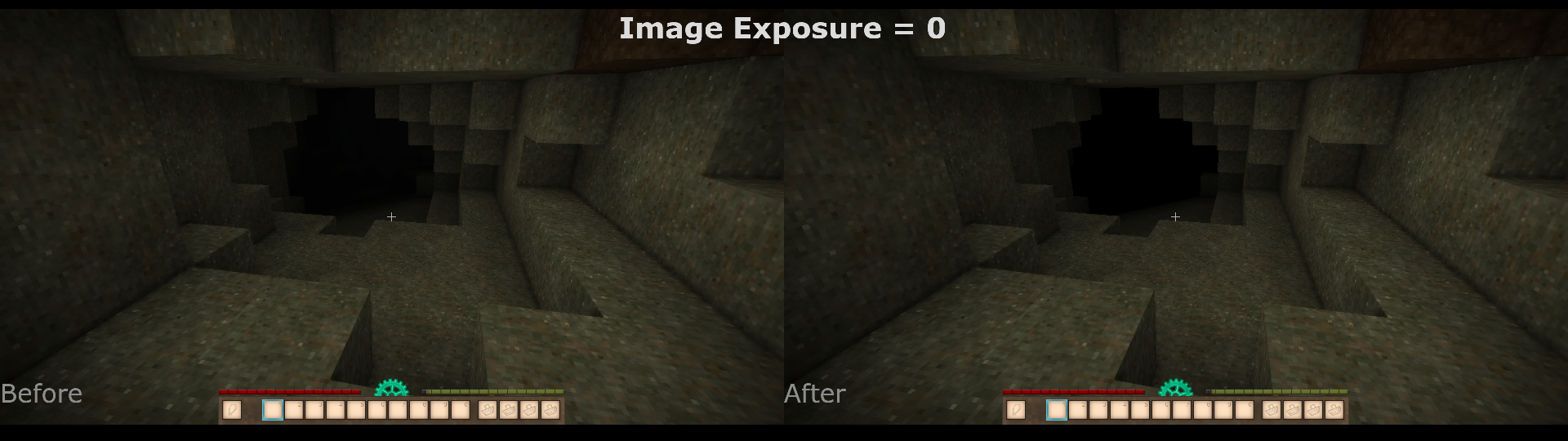
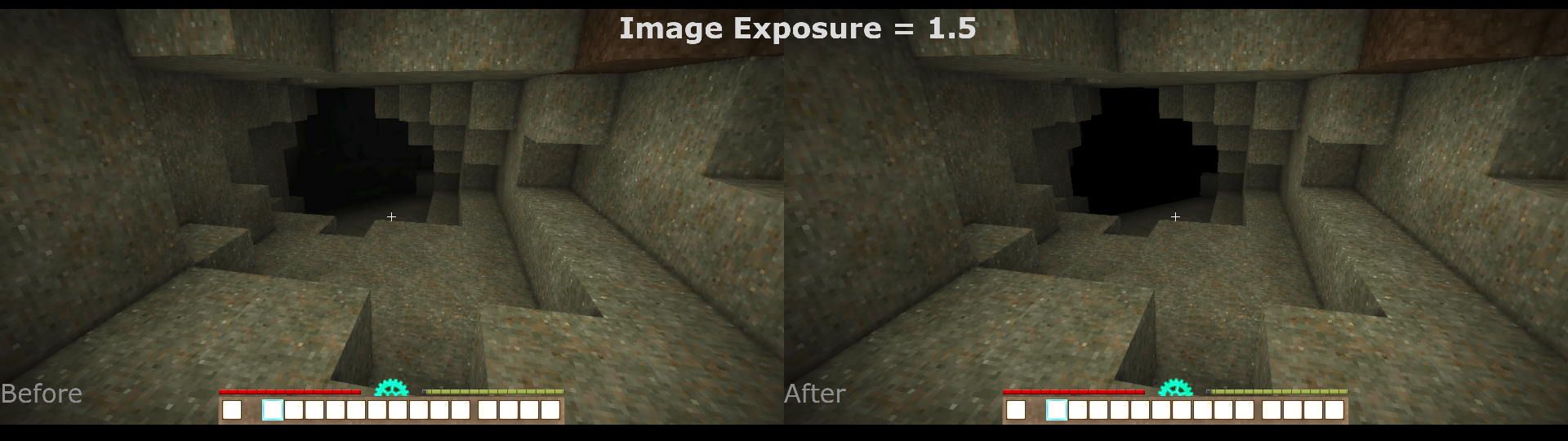
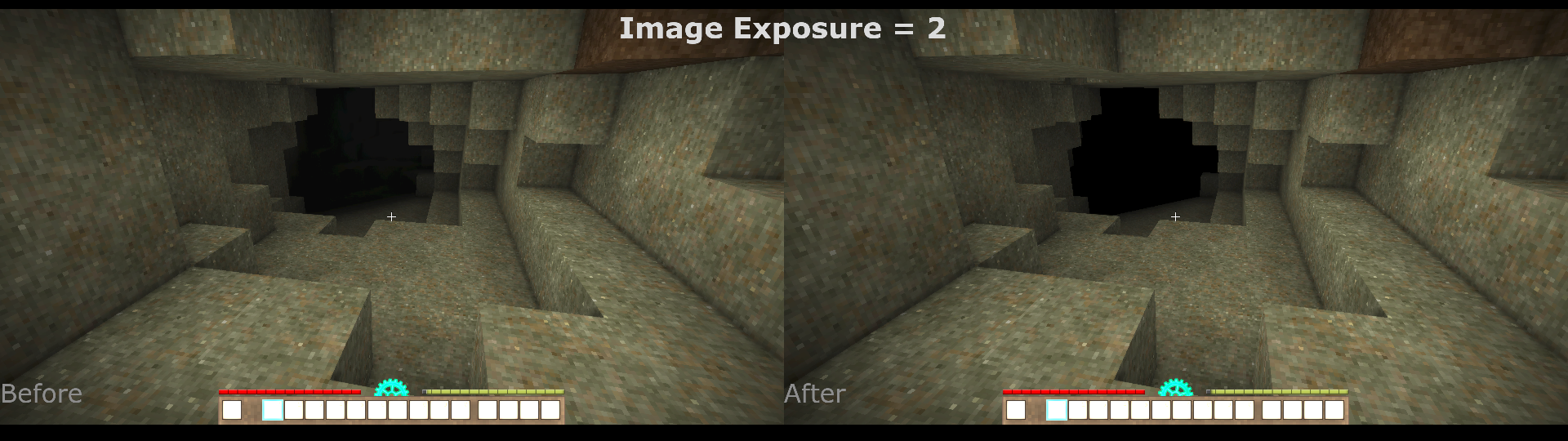
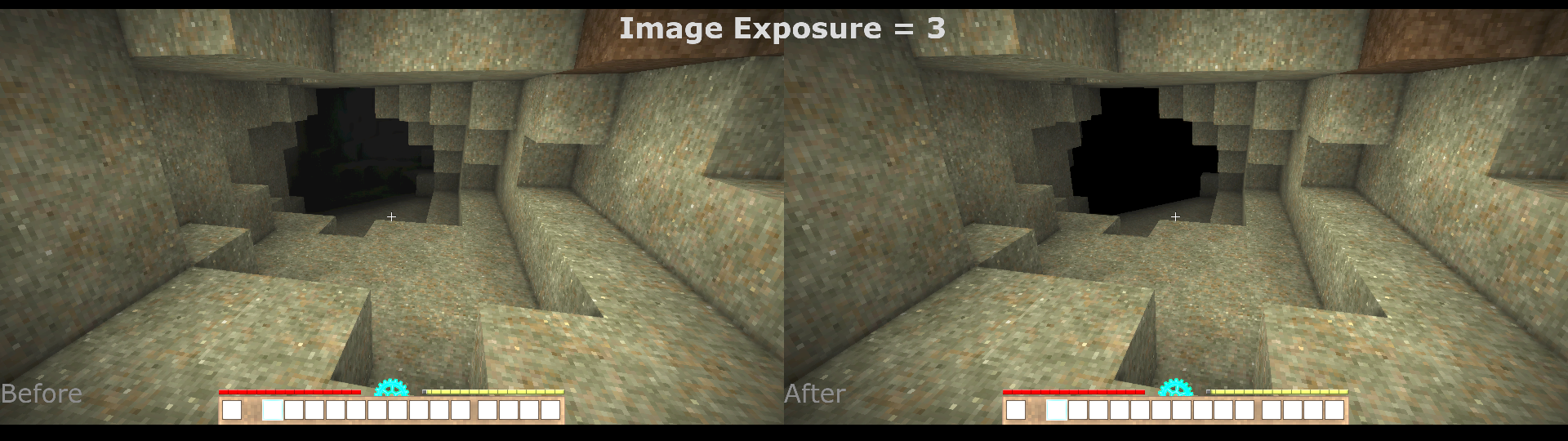
Tags:
#Graphics
Author: CrSilent
Side: Client
Created: Sep 17th 2024 at 9:15 PM
Last modified: Sep 18th 2024 at 12:04 AM
Downloads: 718
Follow Unfollow 29
Author: CrSilent
Side: Client
Created: Sep 17th 2024 at 9:15 PM
Last modified: Sep 18th 2024 at 12:04 AM
Downloads: 718
Follow Unfollow 29
Latest release (for Vintage Story 1.19.8, outdated):
caverndarkness-1.0.0.zip
1-click install
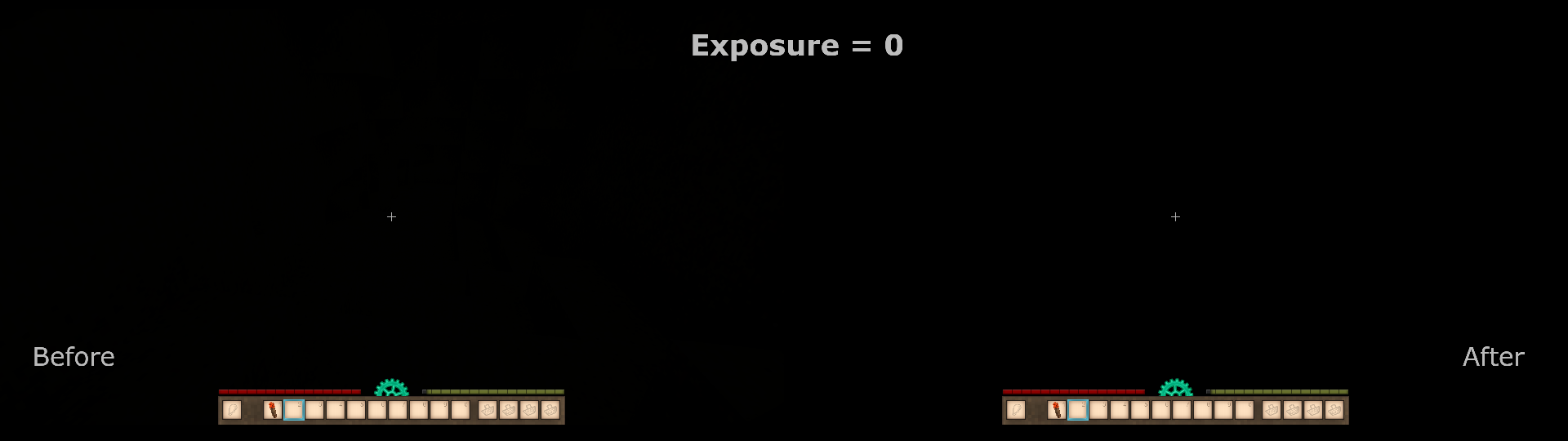
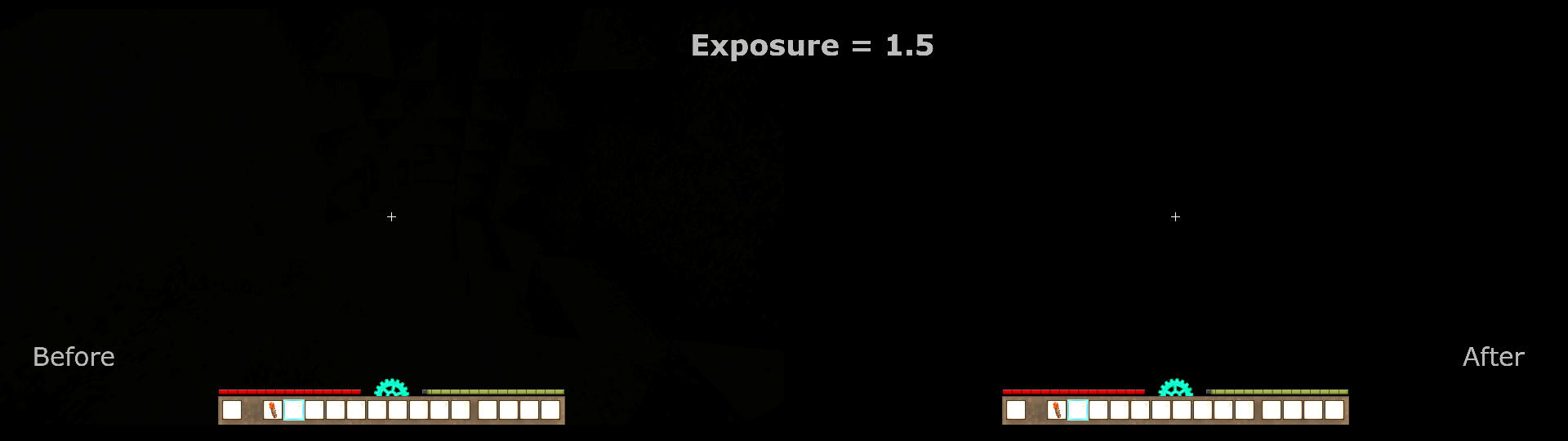
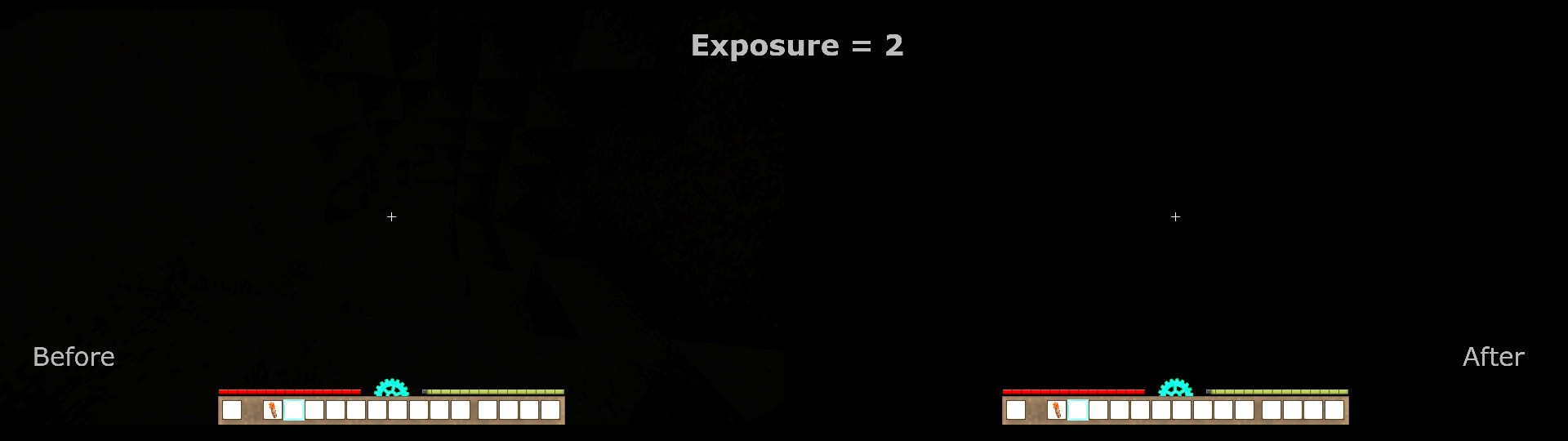
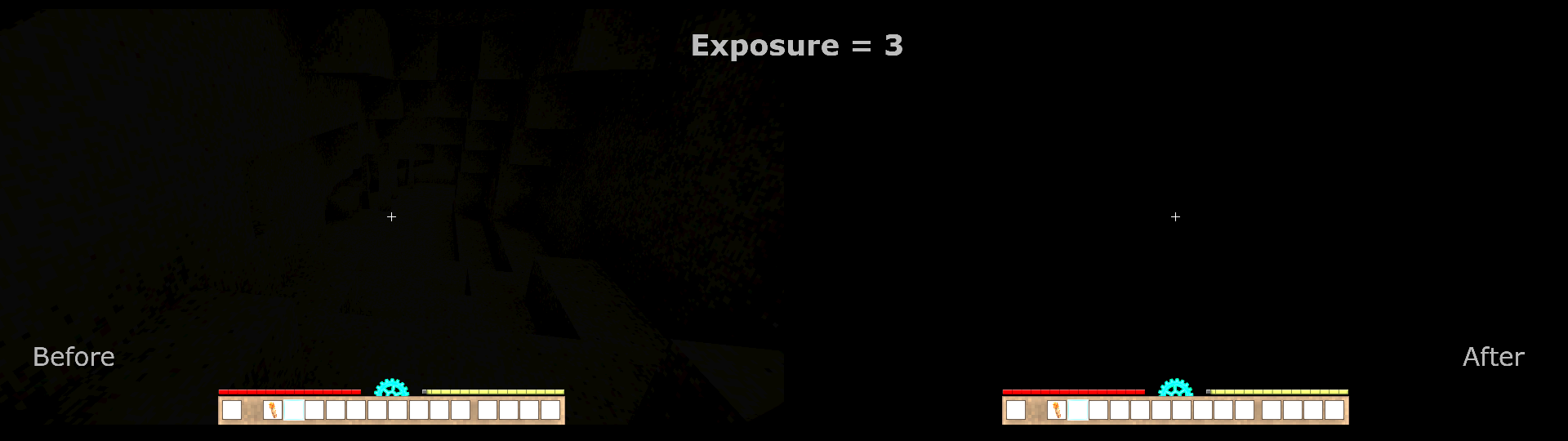
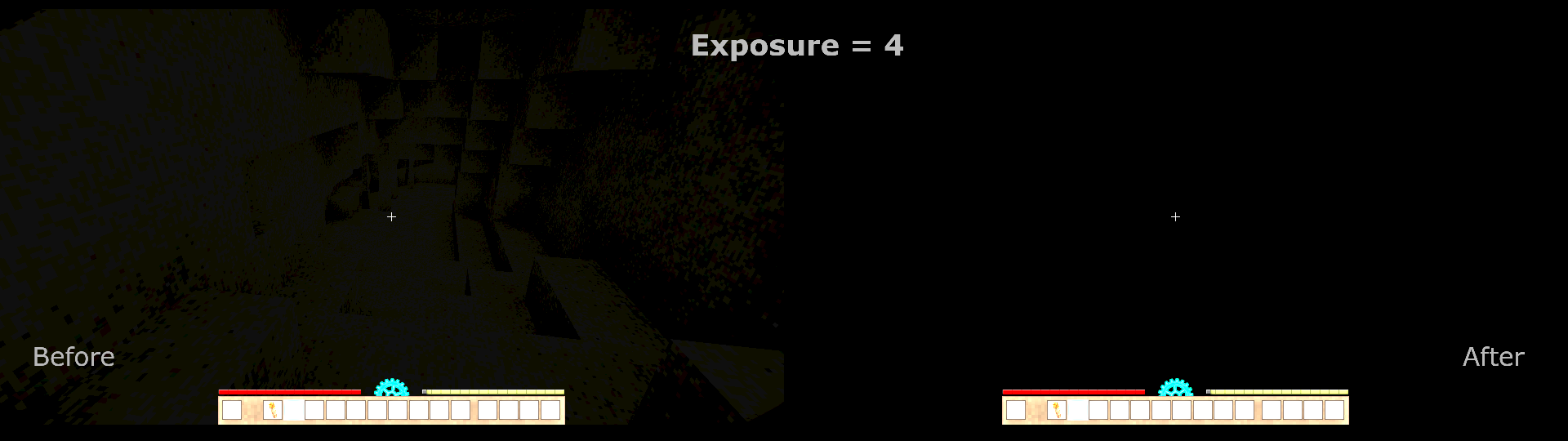
You are exploring underground, torch in hand, searching for some ores and slowly making yourself deeper in the cavern. Suddenly, you fall into a pool of water, your torch extinguishes and... Huh, hundreds of meters down and I can somehow still make out the cavern walls in this supposed to be complete darkness. Maybe my body emits light?...
Very small client-side mod which "removes" minimal block light completely.
The key here is that it only changes the shader, therefore the actual light level of the blocks don't change.
Notes
- I'm no expert in shaders and this one here is quite a simple solution. Visual bugs are to be expected.
- It should be compatible with basically anything except shader mods which change the base lightning and fog shaders.
| Mod Version | Mod Identifier | For Game version | Downloads | Released | Changelog | Download | 1-click mod install* |
|---|---|---|---|---|---|---|---|
| 1.0.0 | caverndarkness | 718 | Sep 18th 2024 at 12:04 AM | caverndarkness-1.0.0.zip | 1-click install | ||
|
Initial release. | |||||||
@Devin_August I went ahead and posted your patch to this mod named "CrSilent's Cavern Darkness" I tried crediting you and Silent and I believe you both have editing rights to it
Devin_August
Thanks a lot for taking the effort in patching this to make it work for 1.20!
Sadly, I dont plan on updating the mod for the foreseeable future at all, so feel free to upload your own updated version of this!
Complete list of things needed to patch this mod for 1.20.12:
go into mod folder, assets->game->shaderincludes
open fogandlight using notepad++
add this line after line 26 without the quotations:
"#include fogspheres.ash"
now scroll down to line 127 or around there to where it says "mod note"
find the line that says "if (bBlock < 0.015)" and change it to 0.06
now scroll down all the way to the bottom and change the line that starts with "vec4 applyfog" with the complete function
"
vec4 applyFog(vec4 worldPos, vec4 rgbaPixel, vec4 rgbaFog, float fogMin, float fogDensity) {
float amount = getFogLevel(worldPos, fogMin, fogDensity);
vec4 outcolor = vec4(mix(rgbaPixel.rgb, rgbaFog.rgb, amount), rgbaPixel.a * rgbaFog.a);
outcolor = applySpheresFog(outcolor, amount, worldPos.xyz);
return outcolor;
}
"
I changed some rgba value somewhere in there too to match it with the current game version of the lightandfog file. also readded the extradistancefog. doubt it has any affect on how the game will run.
If the author reads this I will send them the patched file if they request it, or if given permission I will upload it myself.
Does not work on 1.20.x, for anyone curious.
Humans are actually bioluminescent in the extreme darkest of dark
washaa It also crashes for me :/
Has anyone tried this with 1.20? It carshes on load for me...
There are no direct conflicts with the volumetric shader mod but I can' guarantee that they are fully compatible either. You can use them together but visual glitches might appear.
RuneScholar
So I would assume this would conflict with the volumetric shader mod?