
Mods / Better Alias
Tags:
#Cosmetics
#Graphics
#QoL
#Utility
Author: Zolkenn
Side: Server
Created: Aug 24th 2024 at 1:00 PM
Last modified: Oct 19th 2024 at 2:41 PM
Downloads: 452
Follow Unfollow 21
Author: Zolkenn
Side: Server
Created: Aug 24th 2024 at 1:00 PM
Last modified: Oct 19th 2024 at 2:41 PM
Downloads: 452
Follow Unfollow 21
Latest release (for Vintage Story 1.19.8 - 1.20.0-pre.0, outdated):
betteralias_1.3.0.zip
1-click install
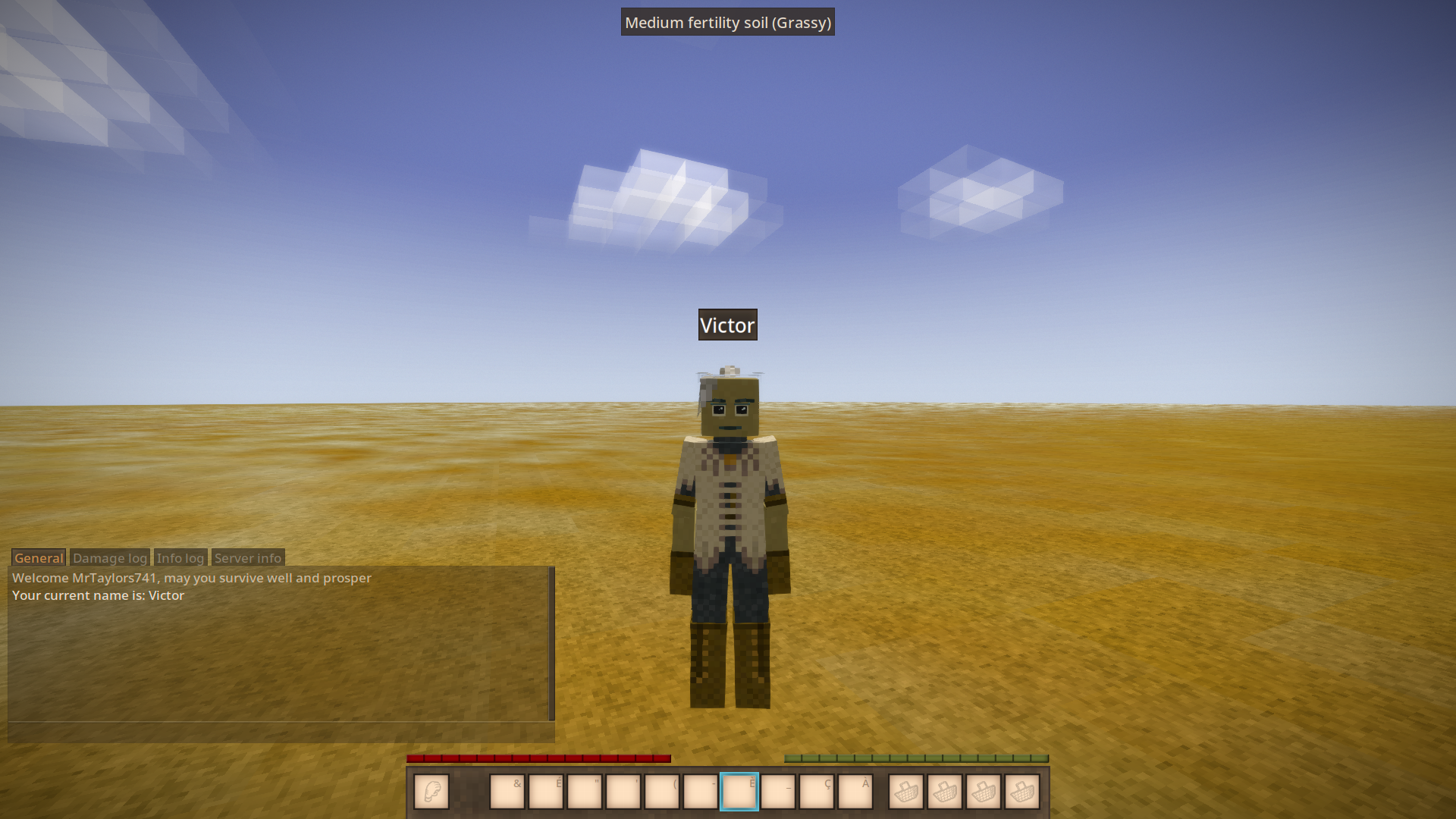
The alias will persist even if the player disconnects and reconnects to the server.
Especially useful on roleplay servers.
Server-side mod
Two commands added: /alias set "new_name" and /alias rm
Players keep their alias when reconnecting
Player with commandplayer privilige can change the alias of others players
Translatable commands
Usage
To set an alias, use the following command:
/alias set "new_alias" [Player_Name]
To remove the alias, use the following command:
/alias rm [Player_Name]
| Mod Version | Mod Identifier | For Game version | Downloads | Released | Changelog | Download | 1-click mod install* |
|---|---|---|---|---|---|---|---|
| 1.3.0 | betteralias | 273 | Oct 19th 2024 at 2:41 PM | betteralias_1.3.0.zip | 1-click install | ||
|
Fix small languages issues | |||||||
| 1.2.0 | betteralias | 179 | Aug 24th 2024 at 1:03 PM | Empty | betteralias_1.2.0.zip | 1-click install | |
Any plans to update this to 1.21.1?
Our players on the Expansion adore this feature so I'm glad to find a mod that does this working for 1.20. However, we use firstname and lastname in the name but due to the coding requiring the playername to be entered, we can't set this. For example, I'd like my nametag to say "Serenity Dupin" but it can't detect spaces in names. It doesn't work with quotation marks to isolate the name, either.
Are players allowed to change their own name or do we have to set it? It'd be great if they could set their own. We previously used Fatigue's mod that worked that way and didn't require players to enter their name.
DejFidOFF I'm unable to reprocude your issue in pre13. Are you shure the issue is from Better Alias ?
Server 1.20pre6 kicking players on server when connecting new one.
Zolkenn thanks and no worries. Happy that you were able to find the error :)
Shinji170981 ok I'm just dumb. I change the command name for the 1.2 but not in the description of the mod . So now it is '/alias set' or '/alias rm'
Sorry for the inconvinence.
Zolkenn thanks. If you need anything specific from me, let me know. :)
Shinji170981
hey, to rename other player you need the base game
commandplayerprivilige so the admin role should work.Maybe a bug in the code ,I'l investigate
Quick question, i tried to rename a player on my server but i always get the error "command does not exist".
Do i have to add the command somewhere specifically?
I do have admin rights. Should i do it via the command console?
Thanks you Thap
*their head
Work perfectly on server " Les Naufragés"